Launch planner
PS5 rest-mode downloads: the settings worth checking before preload
 Image: SixCentral original editorial graphic
Rest mode can be useful for a large download, but selecting rest mode alone is not the entire setup. Check the internet and automatic-update settings separately, then confirm the actual download on the console.
Put it into practice
- In PS5 Settings, open System, then Power Saving and Features Available in Rest Mode.
- Enable Stay Connected to the Internet if you want downloads while resting.
- Under Saved Data and Game/App Settings, open Automatic Updates and review Auto-Download.
- Decide separately whether updates should install automatically in rest mode, then test with an available download.
Sony distinguishes automatic downloading from automatic installation. If you want to preserve a suspended game, its guidance explains why you might choose download-only and install when you return. A system-software update is another separate setting. Follow the current labels on your console and Sony’s guide if they differ from a screenshot shared online.
A useful example
The useful test is a download that is already available: note its progress, enter rest mode with the internet setting enabled, then check that progress has advanced when you return. This is a preparation check, not a guarantee of a specific transfer speed. A pre-order will still need its download window to open, and downloading does not grant early game access.
Keep the reference beside you
Sony’s automatic download and rest-mode instructions · GTA 6 preload checklist
Read this alongside your game in the free SixCentral companion app. Available for iPhone and Android. Reading needs no account; sign in when you want to save supported collectible checklist progress.
Spotted an error? Report it and bank Respect on The Come-Up if you’re right.
Good intel?
Related
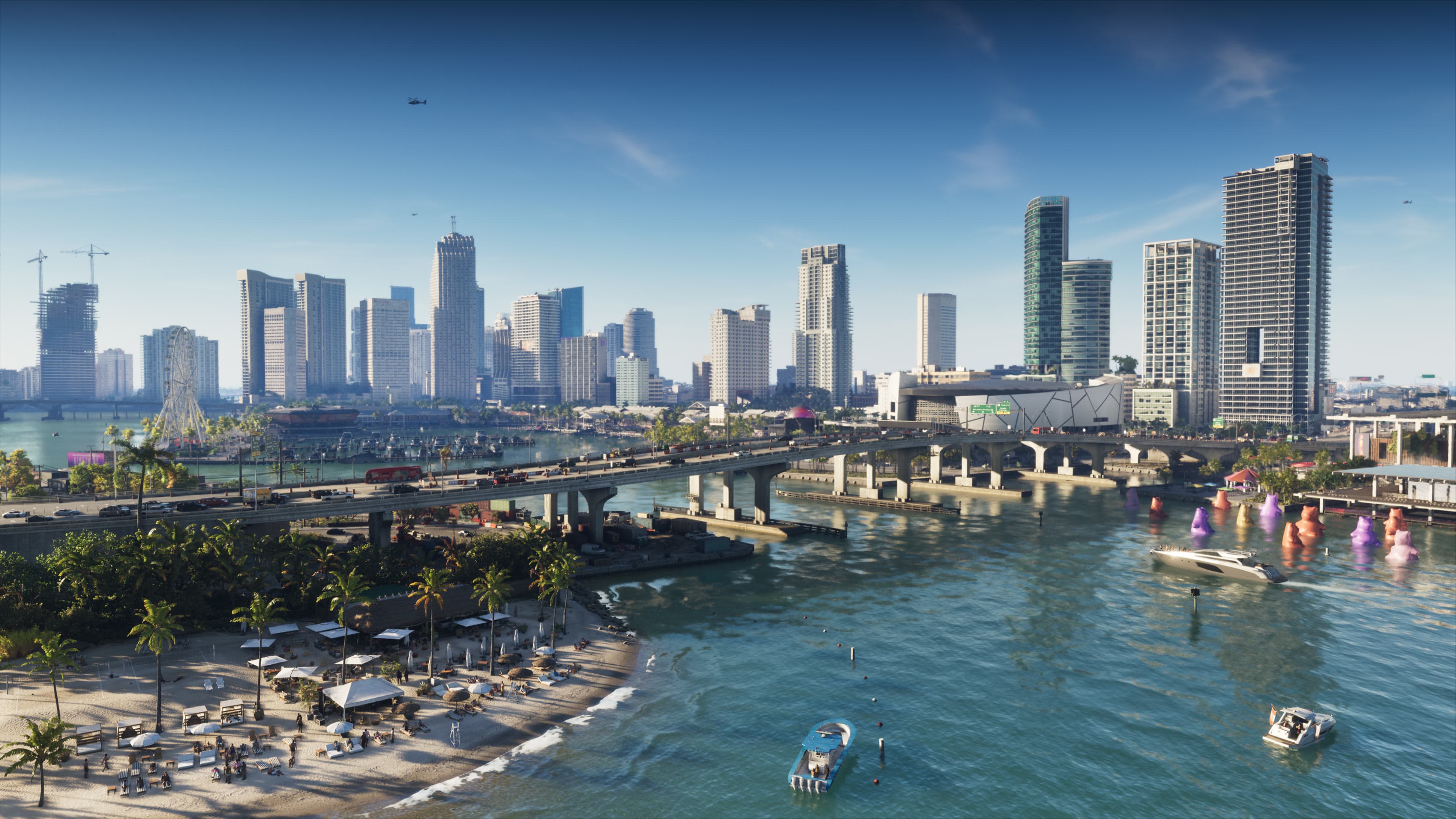
Official announcement
GTA 6 preload starts 10 November: UK times, storage and what to prepare
Updated 3 Nov 2026
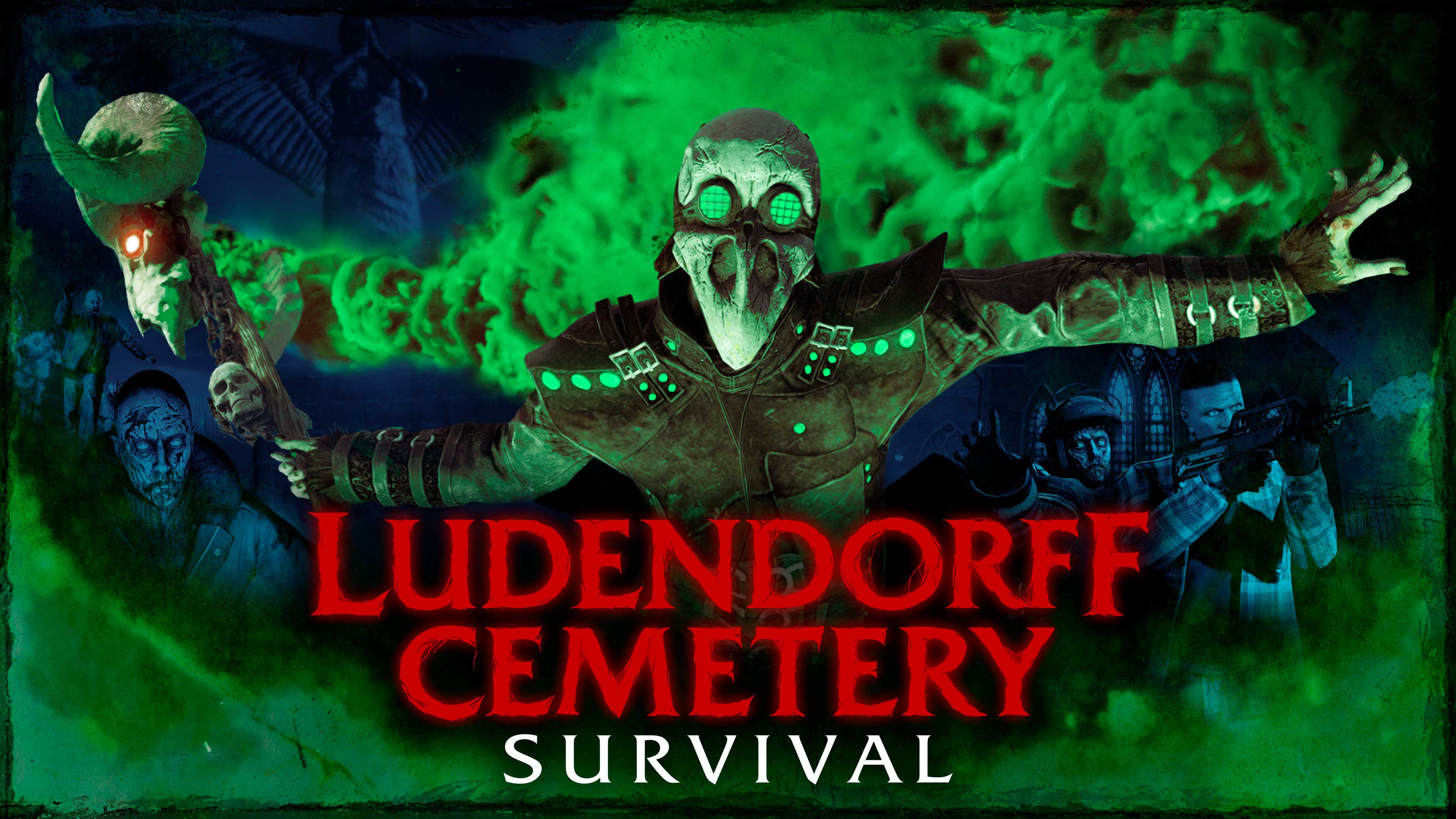
Practical guide
Before your next Survival: a five-minute preparation routine
Updated 3 Nov 2026
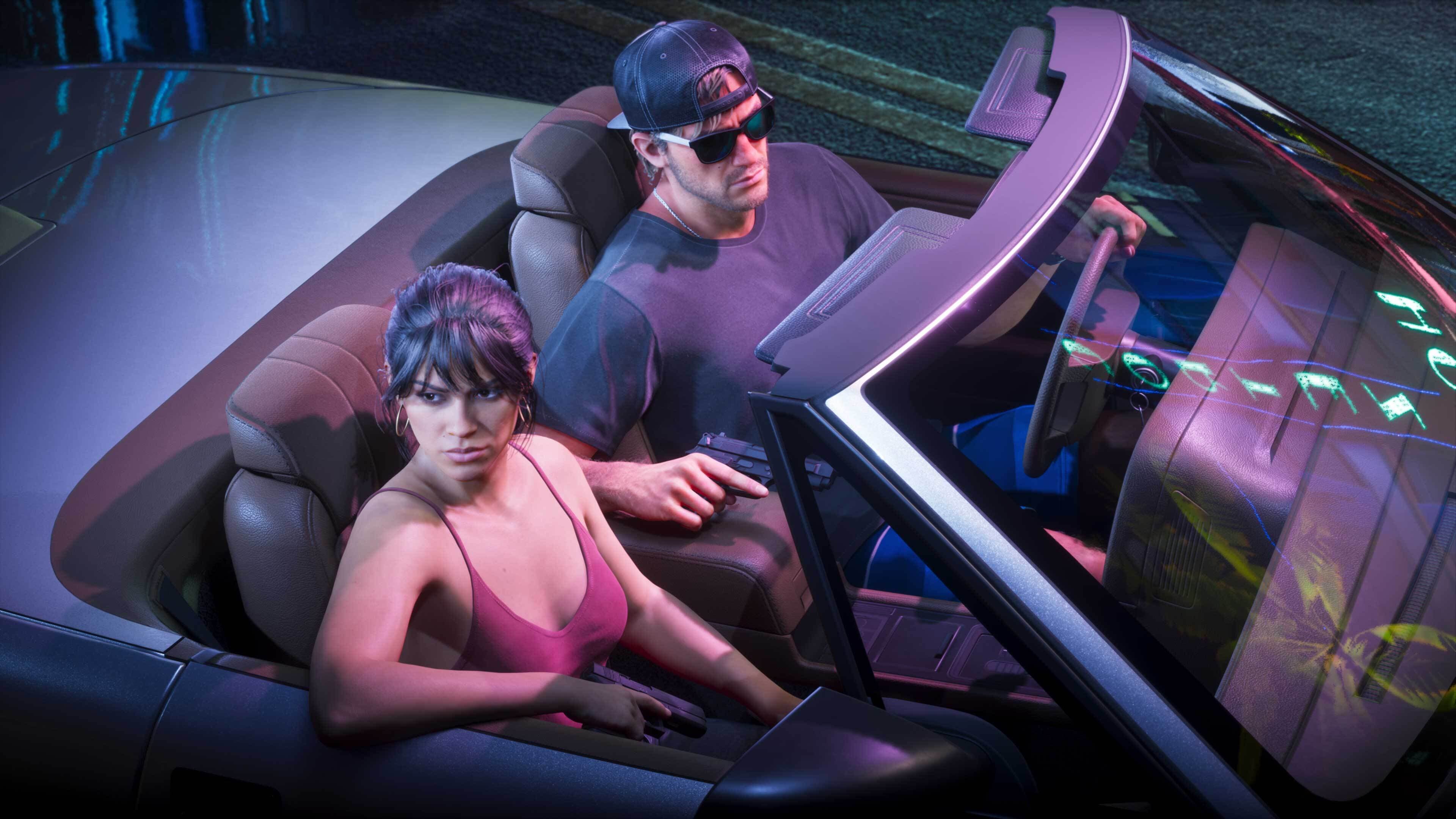
Official announcement
GTA 6 launch gallery: new official screenshots, two weeks before release
Updated 5 Nov 2026
SixCentral is an independent fan resource and is not affiliated with Rockstar Games or Take-Two Interactive. Sources and interpretation are identified in our coverage. Official game imagery is credited to its owner; SixCentral branding is original. This page may contain affiliate links.