Gameplay analysis
GTA 6 wanted display: star slots, symbols and the escape shown
 Image: Rockstar Games
A closer look at GTA 6’s six star slots, smaller pursuit symbols, burning getaway car, outfit continuity and van escape.
This analysis follows the official Extended Look and its recorded scene details. Each section explains the moment in writing; the timestamp afterwards opens the corresponding passage for comparison.
The wanted display contains six star slots
A native frame of the motorcycle escape clearly shows a row of six stars, with different fill/brightness states.
The motorcycle escape provides a clear view of the star row at the top right. Six positions are visible, but their brightness and fill are not uniform. Counting the positions answers how many slots the displayed interface contains; it does not mean the character is experiencing six active stars in that frame. The sequence also does not show a controlled escalation through every level or identify the response associated with the highest slot.
Extra symbols sit below the wanted stars
Several small symbols accompany the star display during the chase. Clothing, person and vehicle-like shapes are visible in later views.
The smaller indicators sit beneath the stars and use recognisable shapes, including clothing, a person and a vehicle. In later footage they are easier to distinguish against the sky and buildings. Their placement makes them part of the pursuit display, but their exact meanings are not written out. They could be relevant to identification or pursuit information; that remains an interpretation until the symbols are explained or their behaviour can be tested.
The escape includes burning the car
Lucia throws a burning bottle and the getaway car catches fire beneath the structure.
Lucia throws a burning bottle towards the abandoned getaway car beneath the structure, and the vehicle catches fire. The action changes the escape from a driving sequence into one involving the disposal of the old transport. It is tempting to read this as destroying evidence, but the video does not isolate the effect of the fire on the wanted display. It shows the characters’ escape actions without supplying a guaranteed method for clearing a pursuit.
The pair switch into a van during the escape
The pair enter a van after leaving the car; the wanted display remains visible in the wider passage.
After leaving the car, the pair move into a van and continue the escape passage. The wanted interface remains part of the wider sequence, so the change of vehicle can be compared with what stays on screen. This shows a change of transport in the escape. It does not separate vehicle recognition from other possible factors such as distance, time out of sight or mission scripting, so the van cannot be presented as an automatic reset.
The visible outfit change precedes van entry
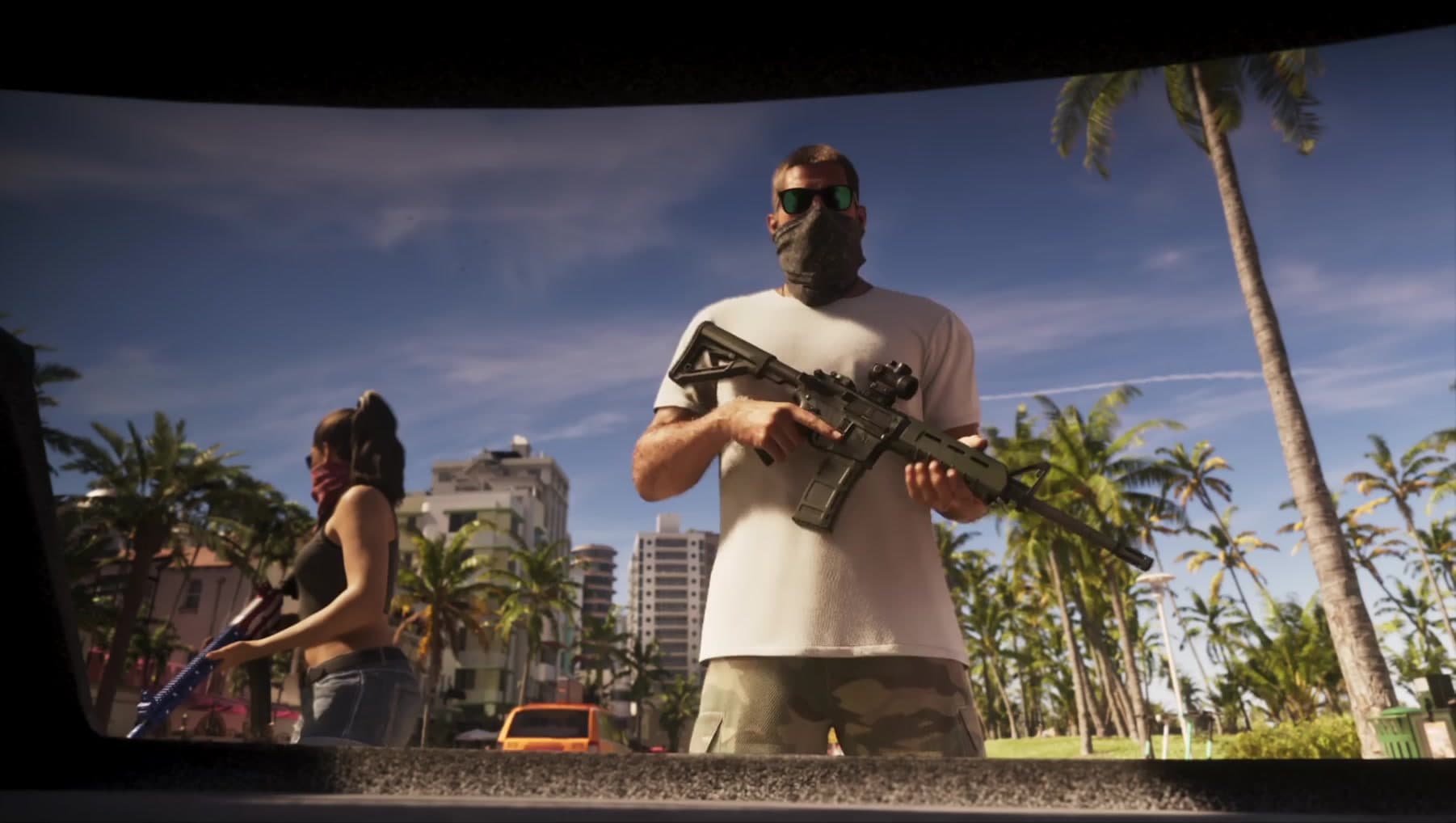
Lucia wears a longer top earlier in the run and a cropped top during the car-burning sequence, before entering the van.
Lucia’s longer top in the earlier run differs from the cropped top visible when the car is being burned. The latter appearance is already present before she enters the van. That order rules out describing the van as the place where the visible change first happens. The edit does not show the actual clothing selection, so the sequence supplies continuity information without demonstrating a changing-clothes mechanic or its effect on pursuit.
The escape includes a bag handoff
A bag is passed during the meeting after the pursuit.
The escape passage continues beyond leaving the original car and changing transport. At the later meeting, a bag passes between people, giving the sequence another action to follow after the immediate pursuit. Tracking the handoff helps describe where this portion of the story ends. The short exchange contains no clear payment screen, itemised contents or reward total, so it cannot be turned into a payout estimate or a repeatable delivery method.
What this tells us
The escape combines several actions: abandoning and burning a car, moving into a van and reaching a later handoff. The star row and smaller symbols provide information alongside those events. Because the presentation does not test each action independently, it cannot tell us which change affects recognition or exactly when pursuit ends. It is a detailed escape sequence to analyse, rather than a proven step-by-step method for losing the police.
Read next
GTA 6 Extended Look: the gameplay, story and details shown · GTA 6: confirmed release information and official footage
Correction, 12 September 2026: this article has been revised against the source sequence. Earlier claims that went beyond what the footage establishes have been removed or qualified.
Updated 22 September 2026: expanded the scene descriptions, explained the visible controls and separated observations from interpretation. Timestamp links remain available for checking each passage.
Spotted an error? Report it and bank Respect on The Come-Up if you’re right.
Good intel?
Related
Gameplay analysis
GTA 6 Extended Look: the gameplay, story and details shown
Updated 22 Sept 2026
Official information
GTA 6: confirmed release information and official footage
Updated 22 Sept 2026
Activity register
GTA 6 activities shown so far: controls, scenes and open questions
Updated 22 Sept 2026
SixCentral is an independent fan resource and is not affiliated with Rockstar Games or Take-Two Interactive. Sources and interpretation are identified in our coverage. Official game imagery is credited to its owner; SixCentral branding is original. This page may contain affiliate links.