Gameplay analysis
GTA 6 aiming overlay: the frame sequence before and after a shot
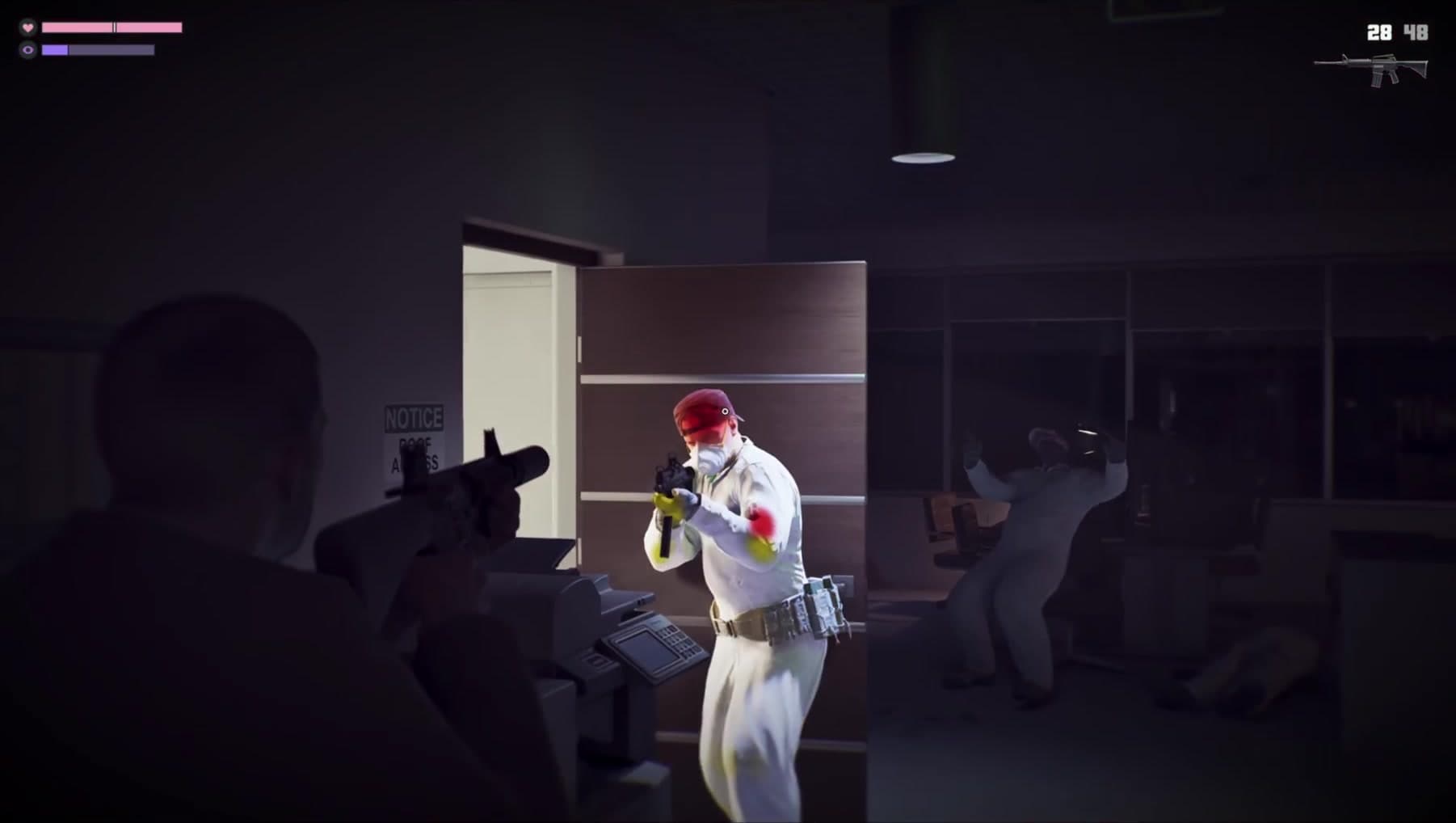 Image: Rockstar Games
GTA 6’s aiming sequence explained frame by frame: coloured overlays before the shot, the draining purple bar and changing ammunition.
This analysis follows the official Extended Look and its recorded scene details. Each section explains the moment in writing; the timestamp afterwards opens the corresponding passage for comparison.
Red and yellow body highlights appear before the shot
The near attacker’s head/shoulder and limbs receive coloured overlays while the visible ammunition count remains 28; a later frame shows 27 and the highlights gone.
The order of the frames is crucial. Red and yellow overlays appear on parts of the nearer attacker’s body while the ammunition display still reads 28. A later frame reads 27 and the overlays have disappeared. Because the colours precede that shot, describing them simply as markers confirming a hit misses what is happening. They appear to provide information during aiming, although the showcase does not give a colour legend or explain whether different highlighted areas have different outcomes.
A purple bar drains during the highlighted aiming sequence
An eye-like purple icon and bar are visible; the bar diminishes while coloured body highlights appear.
The eye-like symbol and purple meter occupy the upper left while the coloured overlays appear on the attacker. Across the checked frames the filled portion of the bar decreases. This places the meter alongside the aiming state in time, which is more informative than treating it as an unrelated decoration. The footage does not name the state, explain activation or show how the meter refills, so an exact ability description would still be premature.
The weapon display changes with the equipped gun
A pistol display gives way to a carbine silhouette with different ammunition counts as Jason fights through the offices.
The gun silhouette and paired ammunition numbers sit at the top right, allowing the selected weapon to be read without opening a menu. During the office fight the display changes from a pistol to a longer carbine silhouette. In the close aiming passage the visible count moves from 28 to 27 after a shot, while 48 is shown alongside it. That provides a concrete example of the readout changing during firing, without establishing the character’s full carrying capacity.
The pickup names a Moreland 850 shotgun
An L1 pickup label reads MORELAND 850 SHOTGUN in the opening escape.
The name appears in a pickup prompt during the opening escape. Keeping that label in view matters: MORELAND 850 SHOTGUN is a name supplied by the game interface, rather than a model guessed from the weapon’s outline. The prompt tells the audience that the weapon can be picked up in this passage. It does not give damage, range, ammunition capacity or an attachment list, which would require further information or hands-on testing.
The first shootout leaves visible impact debris
Gunfire produces dust and chips on the interior walls while the pair move through the rooms.
The interior fight produces bursts of dust and small chips around the walls as the characters move through the rooms. Those effects help communicate where rounds are striking the environment, alongside the gunfire and movement. The useful observation is local to the surfaces shown. There is no sequence of an entire wall collapsing or a building being dismantled, so these impact effects do not establish a general structural-destruction system.
What this tells us
The count moves from 28 to 27 across the checked passage, while the purple bar drains and the overlay disappears. The colours have no official legend in the footage. The blue cap beneath the overlay should not be identified as a red beret, and the bar should not be named a detection meter without a label.
Read next
GTA 6 Extended Look: the gameplay, story and details shown · GTA 6: confirmed release information and official footage
Correction, 12 September 2026: this article has been revised against the source sequence. Earlier claims that went beyond what the footage establishes have been removed or qualified.
Updated 22 September 2026: expanded the scene descriptions, explained the visible controls and separated observations from interpretation. Timestamp links remain available for checking each passage.
Spotted an error? Report it and bank Respect on The Come-Up if you’re right.
Good intel?
Related
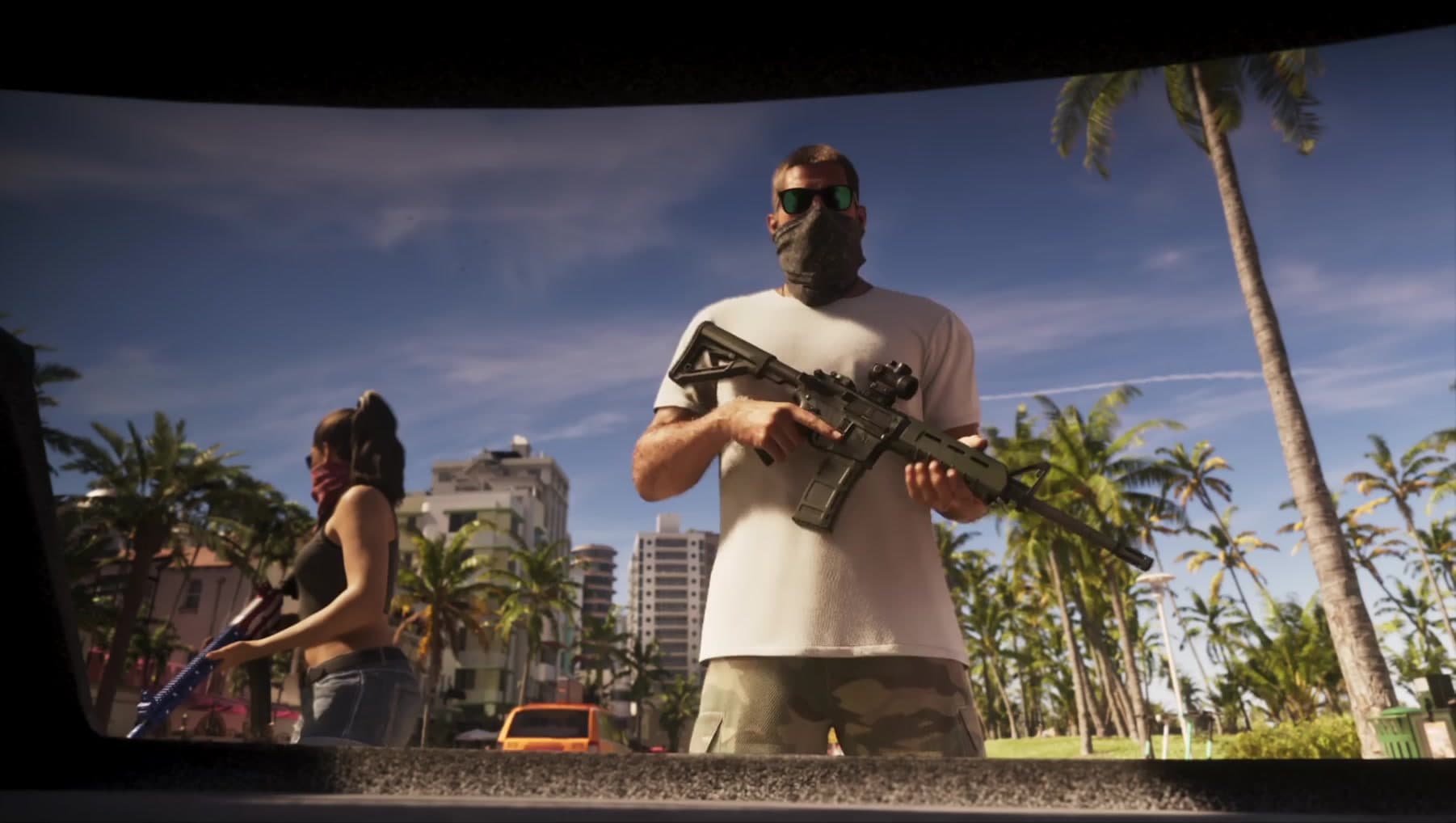
Gameplay analysis
GTA 6 Extended Look: the gameplay, story and details shown
Updated 22 Sept 2026

Official information
GTA 6: confirmed release information and official footage
Updated 22 Sept 2026
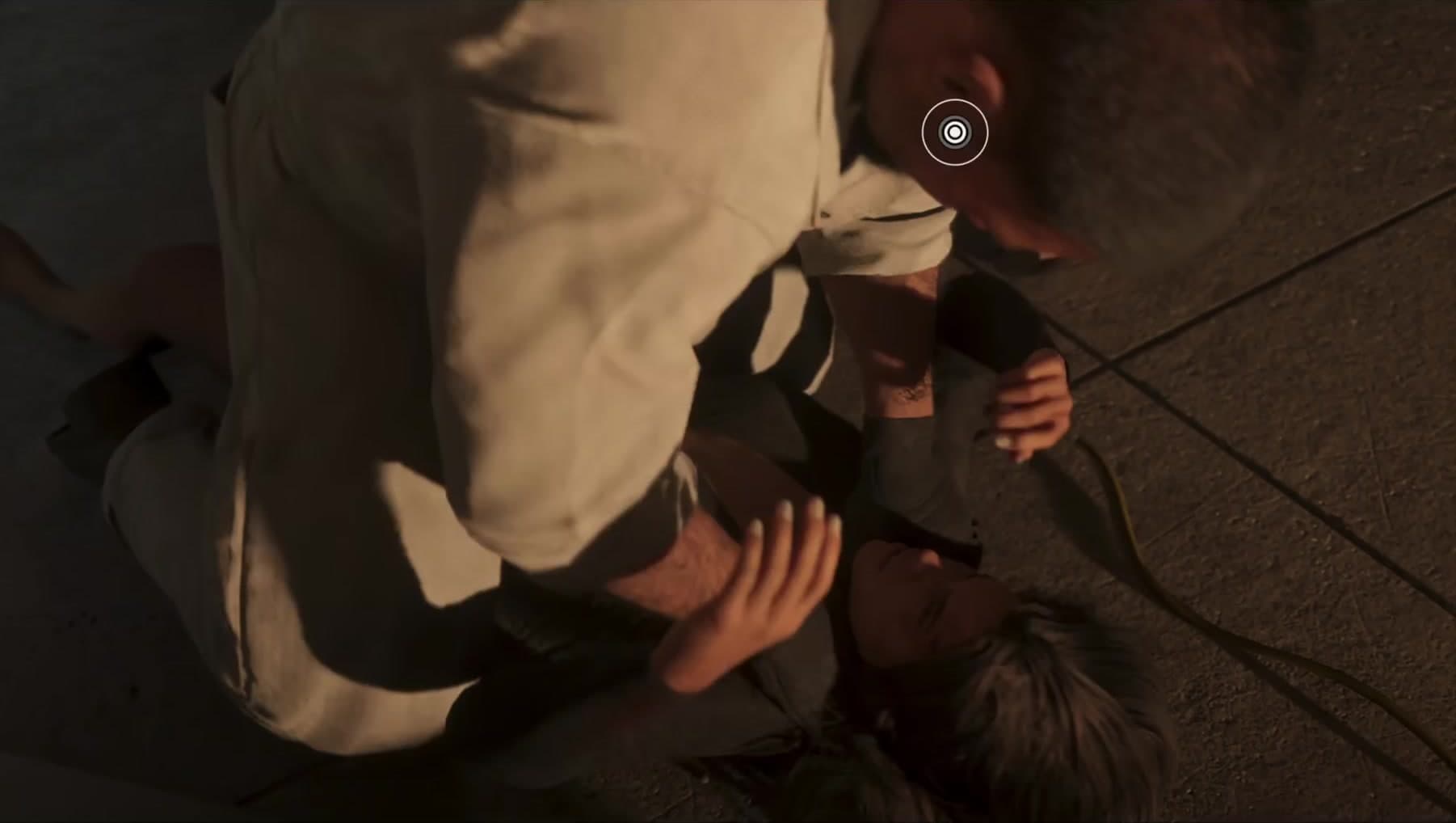
Analysis
Lucia’s reversal in GTA 6: a reading of the raid sequence
Updated 22 Sept 2026
SixCentral is an independent fan resource and is not affiliated with Rockstar Games or Take-Two Interactive. Sources and interpretation are identified in our coverage. Official game imagery is credited to its owner; SixCentral branding is original. This page may contain affiliate links.