Beginner guide
How to switch between Jason and Lucia in GTA 6
 Image: Rockstar Games · illustrative GTA VI image
On PS5, hold Right on the D-pad and press R1 to switch between Jason and Lucia when story progress allows. If you want the other character to join you while you keep control of your current character, hold Right and press Triangle.
If the shortcut is unavailable
Some stretches of the story lock you to the current character. Chapter 1 largely follows Jason and Chapter 2 largely follows Lucia. Advance the current objective and check again in free roam.
Invite a character to an activity
Open the map, highlight an activity and use the displayed invite shortcut. Push Square shows Triangle on the PS5 activity screen.
Launch-day sources checked 19 November 2026. Push Square’s PS5 controls and gameplay captures.
Spotted an error? Report it and bank Respect on The Come-Up if you’re right.
Related
Analysis
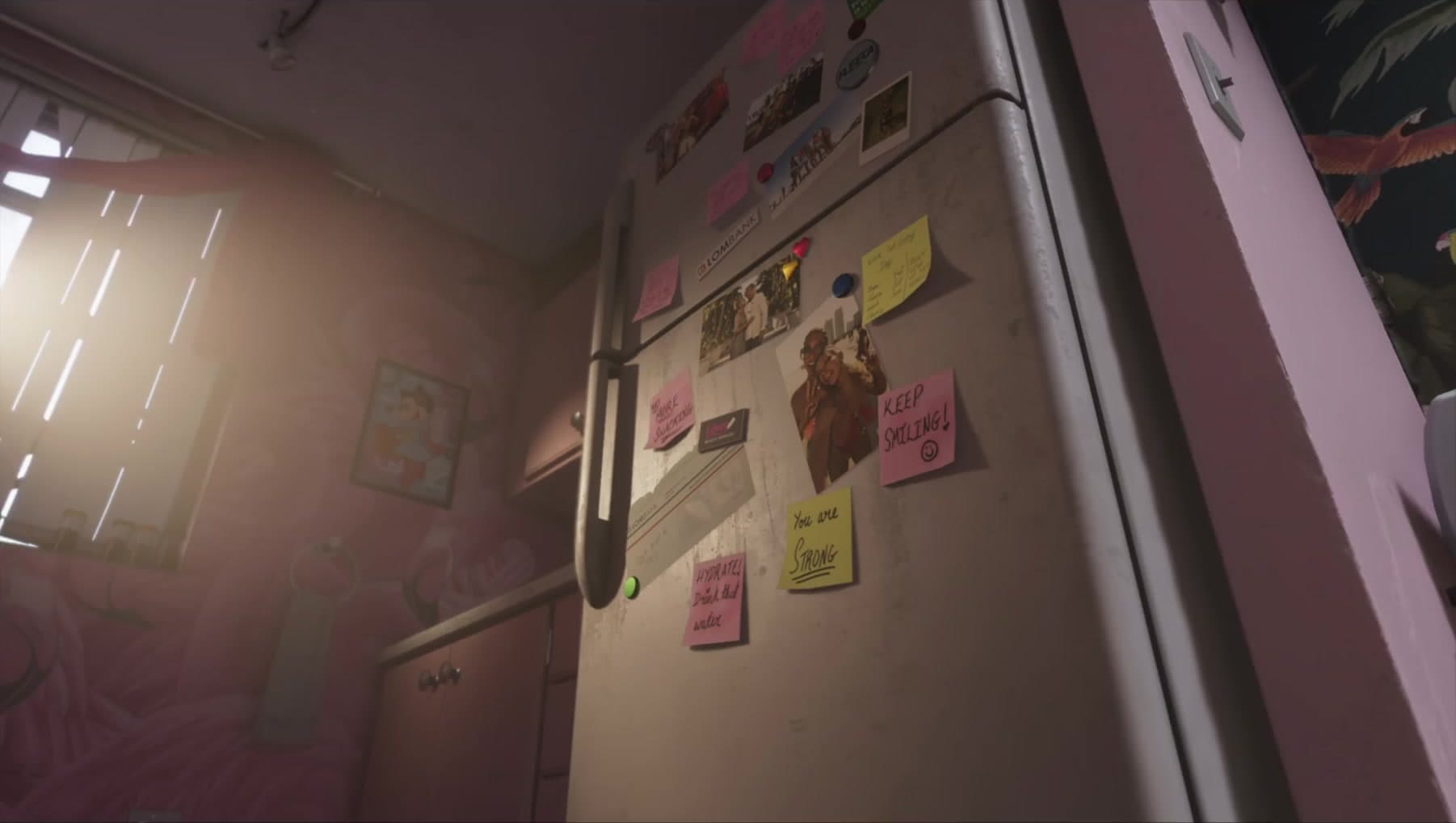
GTA 6 apartment details: a reading of Jason and Lucia’s home life
Updated 22 Sept 2026
Analysis
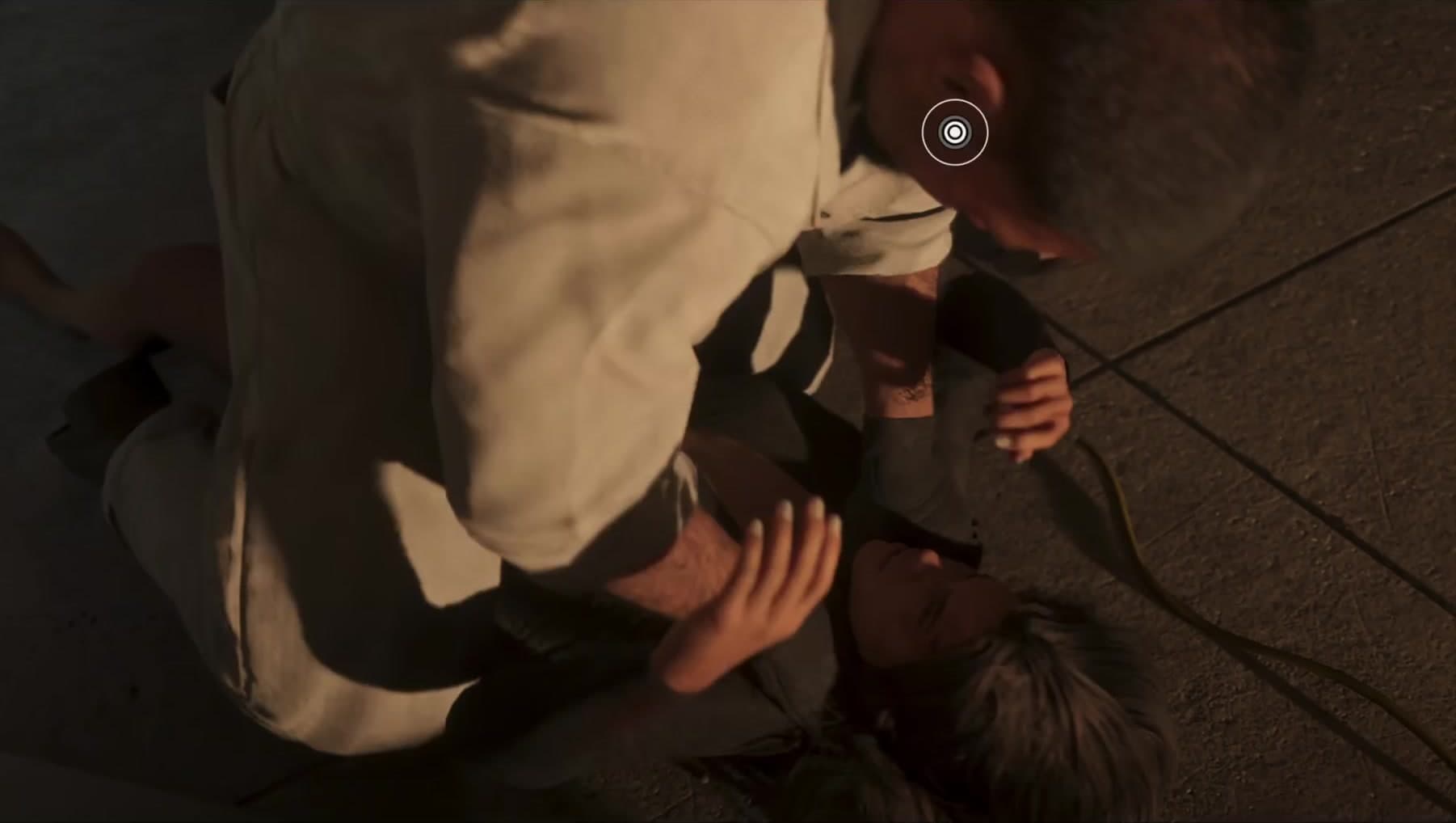
Lucia’s reversal in GTA 6: a reading of the raid sequence
Updated 22 Sept 2026

Confirmed
GTA 6 Will Write Your Bad Habits Onto Jason And Lucia
Updated 30 Aug 2026
SixCentral is an independent fan resource and is not affiliated with Rockstar Games or Take-Two Interactive. Sources and interpretation are identified in our coverage. Official game imagery is credited to its owner; SixCentral branding is original. This page may contain affiliate links.