Launch planner
Your five-minute GTA 6 console audit: five answers to write down
 Image: SixCentral original editorial graphic
Before you change a setting or start deleting games, make a small record of your actual setup. A console audit turns a vague feeling of being ready into five answers you can check again when the download opens.
Put it into practice
- Write down the console you will actually use, including whether the purchase belongs to that platform.
- Open the purchasing account’s library and record the edition shown beside the game.
- Read available storage on the intended install drive, rather than quoting the console’s advertised capacity.
- Find the download queue and note where you will check progress.
- Keep the official listing for your account region alongside the current release-time guide.
Separate a missing purchase from an unavailable download. If the library has no record of the game, check the purchasing account and order before troubleshooting the network. If the order exists but the download is not offered, compare the date with the announced preload window. Repeated restarts cannot resolve a download that has not been made available.
A useful example
A useful note looks like this: PS5 / purchasing account checked / Standard Edition / available space recorded / release listing bookmarked. Avoid putting passwords, payment details or voucher codes in that note. Repeat the same checks on the console you intend to play on, even if a different machine was used to place the order.
Keep the reference beside you
Current UK release and preload details · Official PlayStation purchase library help
Read this alongside your game in the free SixCentral companion app. Available for iPhone and Android. Reading needs no account; sign in when you want to save supported collectible checklist progress.
Spotted an error? Report it and bank Respect on The Come-Up if you’re right.
Good intel?
Related
Practical guide
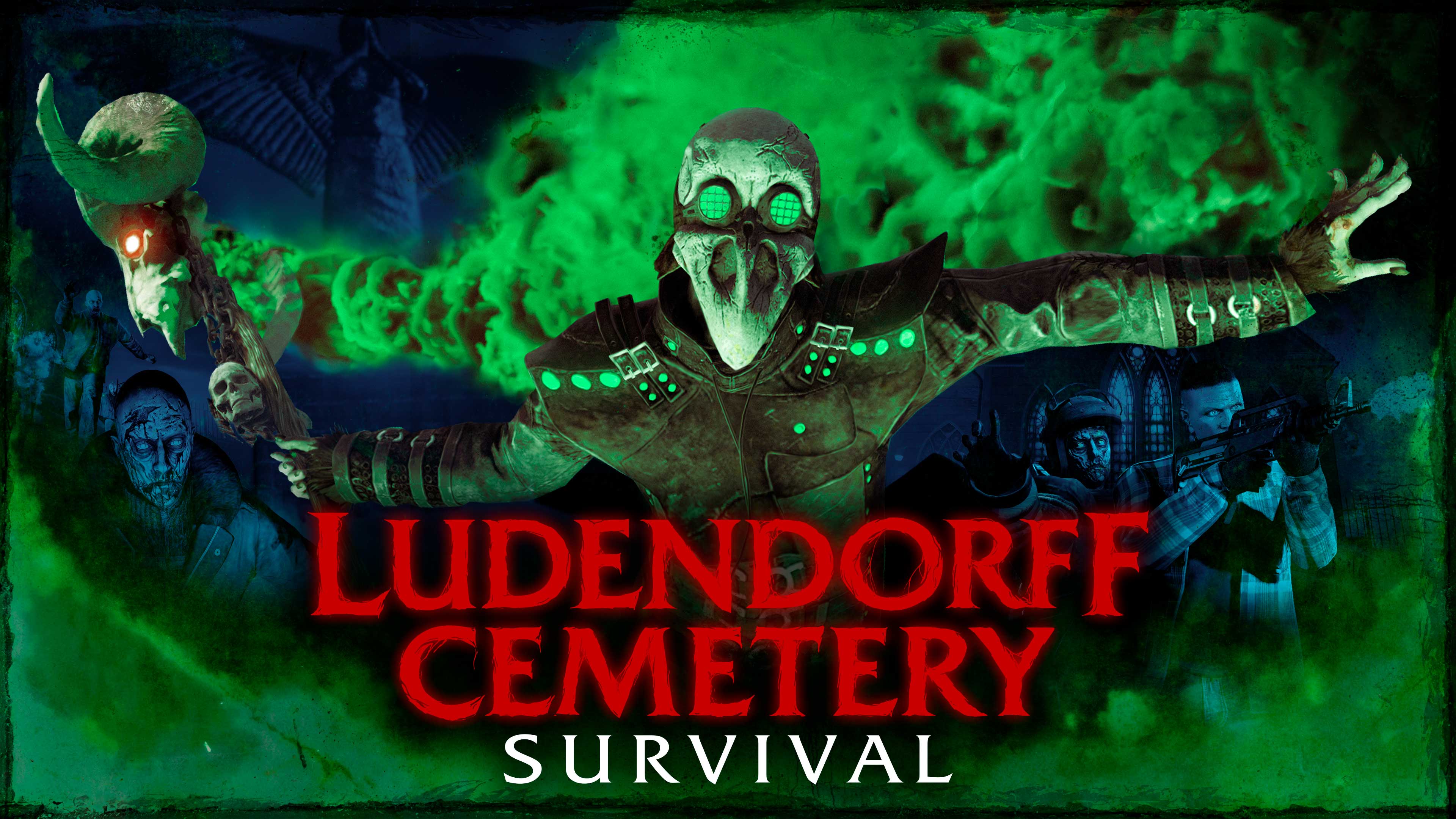
Before your next Survival: a five-minute preparation routine
Updated 3 Nov 2026

Confirmed
GTA 6 Will Write Your Bad Habits Onto Jason And Lucia
Updated 30 Aug 2026
Use the app
Use SixCentral as a second screen for your next GTA Online session
Updated 3 Nov 2026
SixCentral is an independent fan resource and is not affiliated with Rockstar Games or Take-Two Interactive. Sources and interpretation are identified in our coverage. Official game imagery is credited to its owner; SixCentral branding is original. This page may contain affiliate links.