Launch planner
Before your first GTA 6 session: check the controller, display and audio
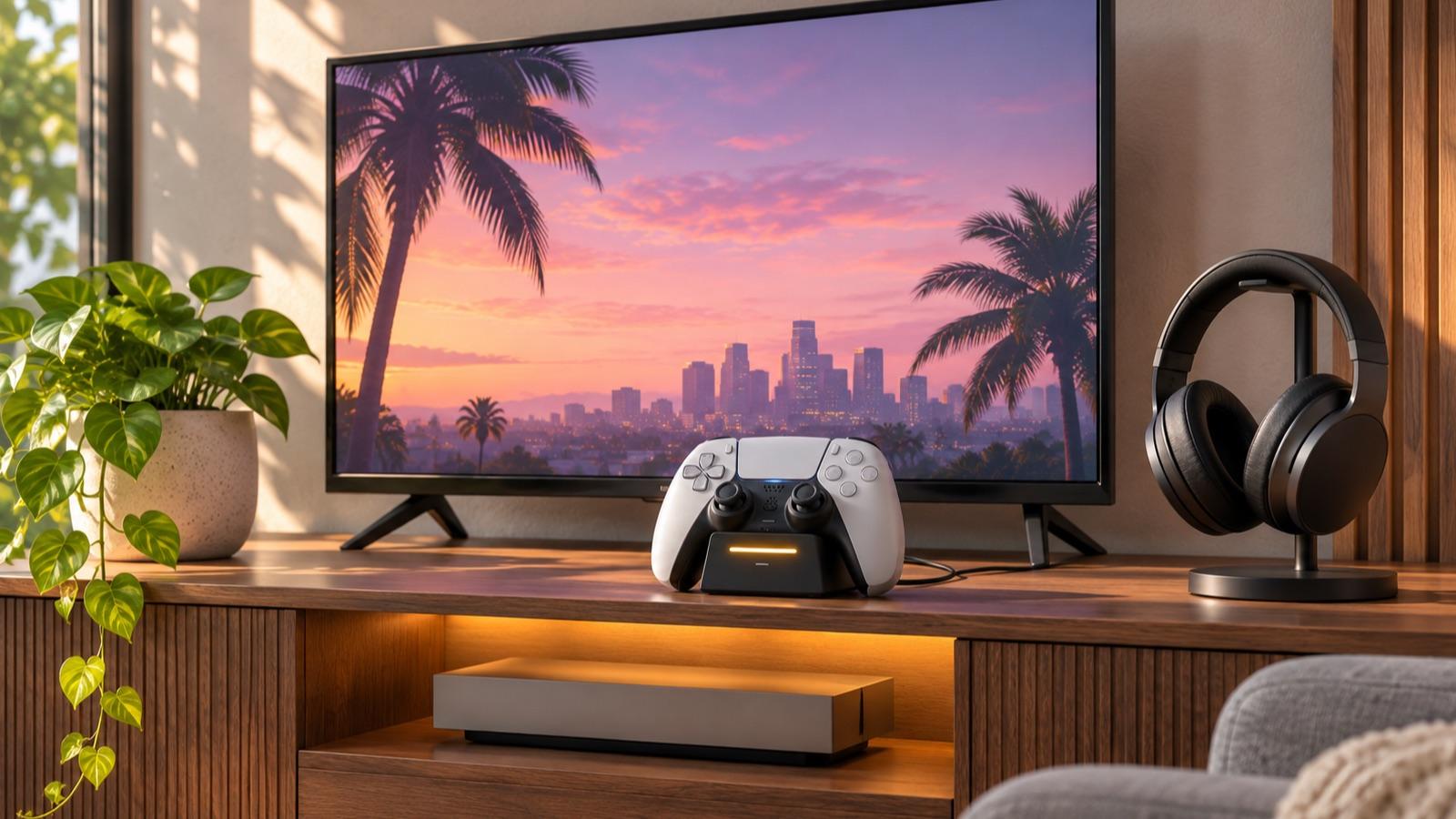 Image: SixCentral editorial illustration (AI-generated)
The last preparation check is about the equipment you will actually use. A charged controller, a comfortable screen and working audio are easier to sort before the session than during an opening sequence.
Test the setup you will use
| Test | Pass condition | If it fails |
|---|---|---|
| Controller | Charged and operating your console | Use the console’s device guidance |
| Audio output | Sound reaches the intended speakers or headset | Check the selected output and physical connection |
| Voice chat, if wanted | Friends can hear a short test | Check microphone choice and mute controls |
| Screen and seating | Text is comfortable to read | Adjust your existing setup before starting |
Use the result
- Charge the controller or prepare the power arrangement you normally use.
- Test the intended headphones, speakers and chat setup with available content.
- Check that you can read small interface text comfortably at your normal viewing distance.
- Keep the platform’s accessibility and controller settings easy to find if you need them.
Do this with your existing setup rather than buying accessories on the assumption that GTA 6 needs them. This is general console preparation, not a claim about GTA 6’s final accessibility options, performance modes or controller features. Those details should be checked in the released game and official documentation.
Limits and worked example
If you expect to talk to friends while playing, test the microphone and agree whether chat should continue during story scenes. If you prefer to play alone, set that expectation before the group starts sending invitations. Keep your phone and the relevant guide within reach, but do not feel obliged to follow a walkthrough through a first experience you would rather discover yourself.
Keep the reference beside you
Launch-night checklist · SixCentral beside your game
Read this alongside your game in the free SixCentral companion app. Available for iPhone and Android. Reading needs no account; sign in when you want to save supported collectible checklist progress.
Protect the first session
Decide whether you want voice chat or an uninterrupted opening, set a comfortable stopping point and agree a spoiler boundary. Use a guide for the particular question you have; there is no verified optimal opening route in this preparation checklist.
Spotted an error? Report it and bank Respect on The Come-Up if you’re right.
Good intel?
Related

Official announcement
GTA 6 preload is available: PS5 and Xbox download checks
Updated 13 Nov 2026
Companion workshop
Turn your first GTA 6 session notes into a useful guide correction
Updated 19 Nov 2026

Companion workshop
Leave yourself a useful note before ending a GTA session
Updated 17 Nov 2026
SixCentral is an independent fan resource and is not affiliated with Rockstar Games or Take-Two Interactive. Sources and interpretation are identified in our coverage. Official game imagery is credited to its owner; SixCentral branding is original. This page may contain affiliate links.