Vehicle guide
How to keep, store and call your car in GTA 6
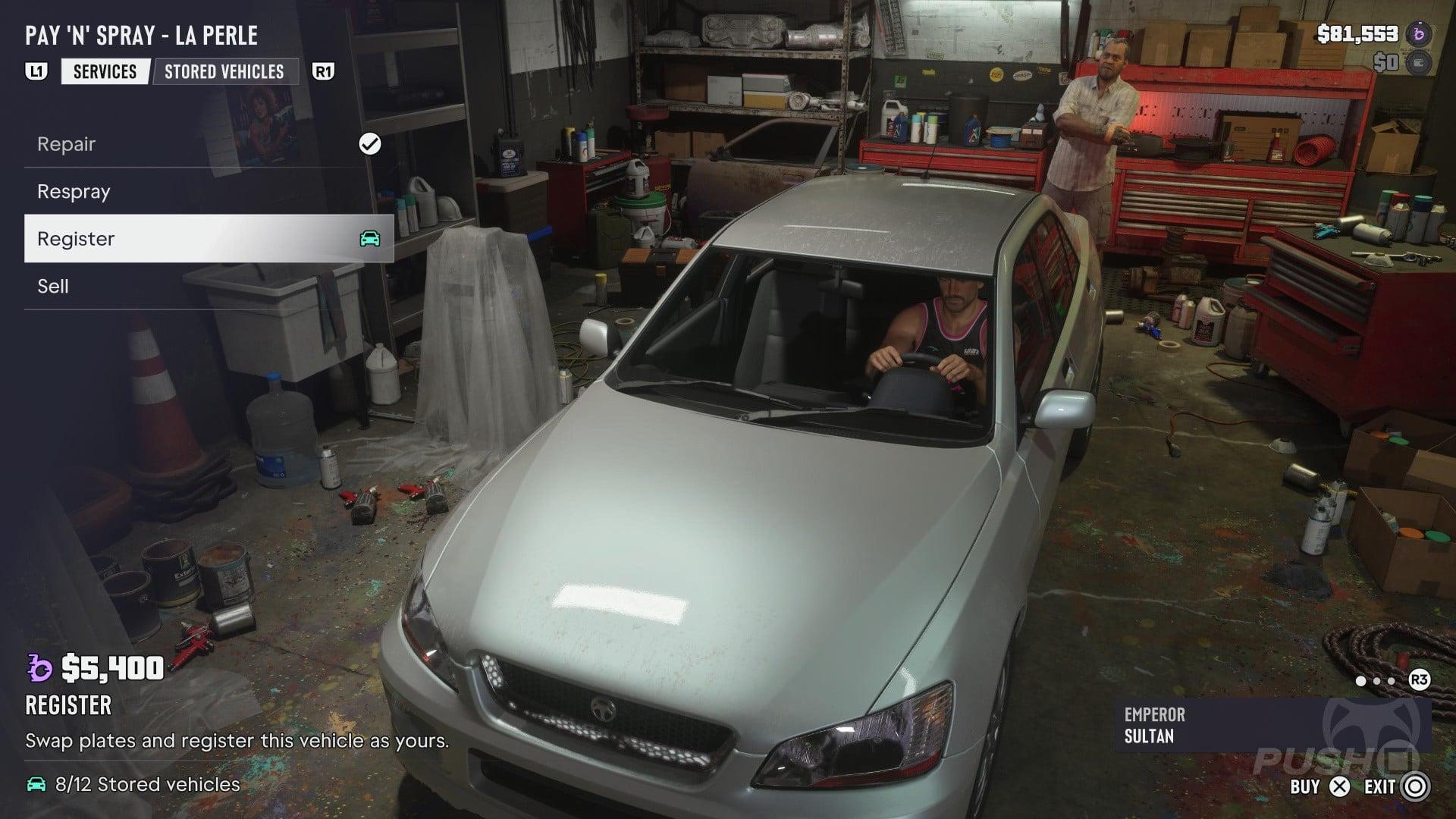 Image: Rockstar Games · PS5 gameplay capture via Push Square / Sammy Barker; watermark retained
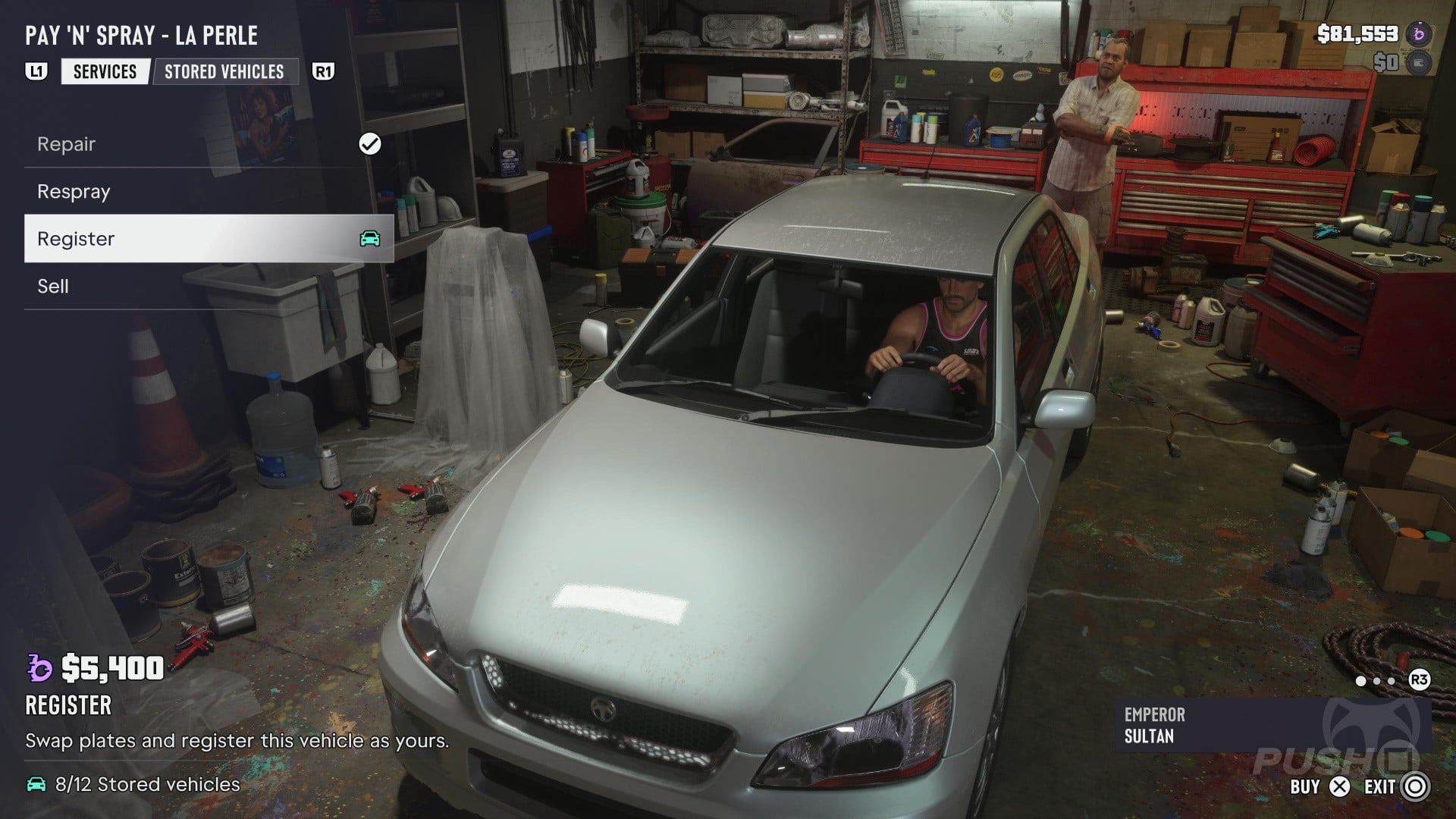
Entering a car is not the same as keeping it. Push Square’s PS5 captures distinguish temporary parking from registration at Pay ’N’ Spray. The steps below cover that ownership workflow and requesting the car later; they are separate from finding a particular model or claiming edition extras.
Register the car you want to keep
- Take the car to Pay ’N’ Spray and choose Register.
- Read the displayed fee and check for a free Stored Vehicle slot before confirming. Registration cost varies by car value.
- Parking spaces and garages provide temporary storage; parking alone is not the documented registration step.

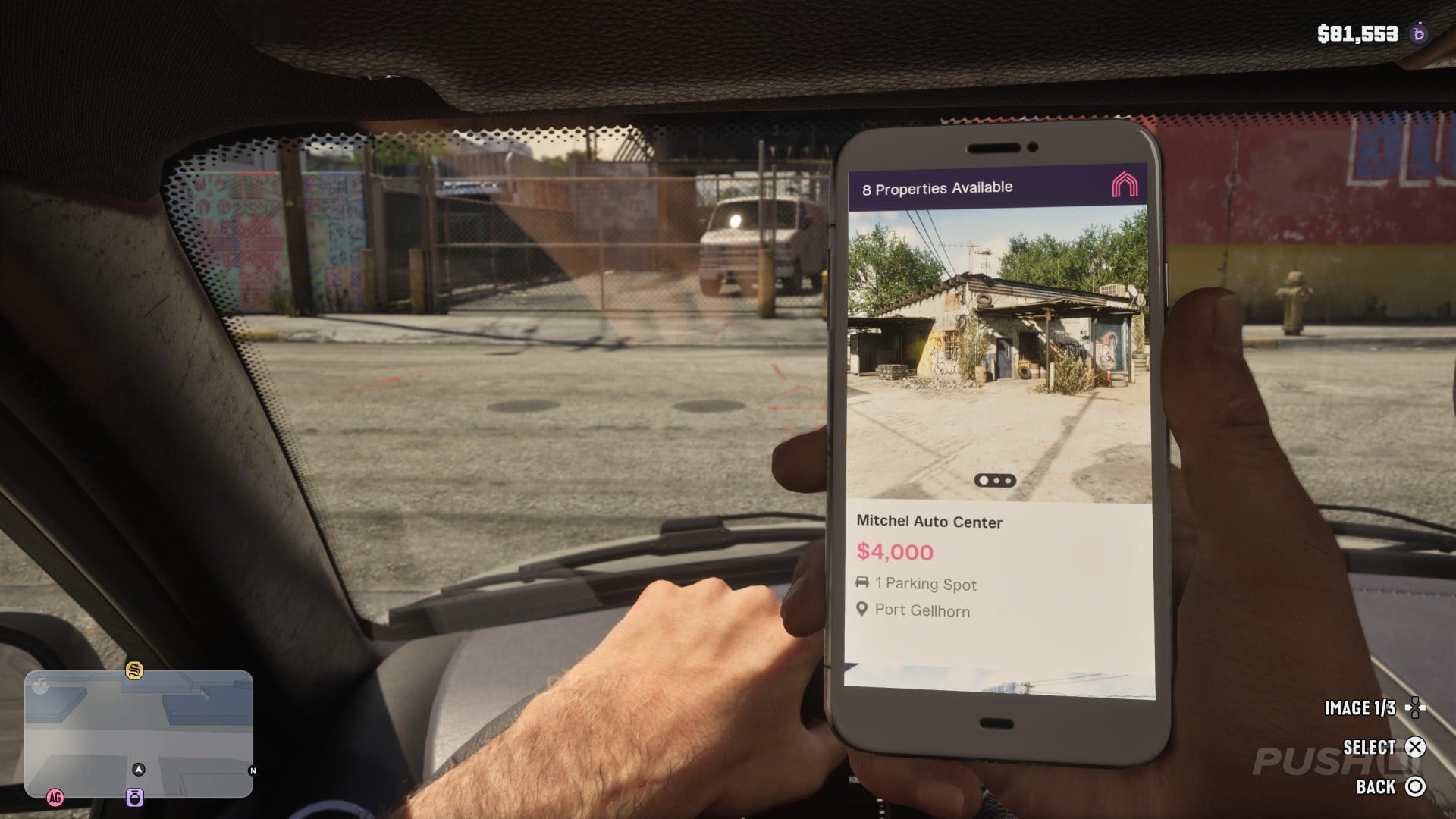
For additional capacity, open the phone with Up and look in Vice City Real Estate for garages. The source says this feature unlocks through story progress; it does not identify an exact unlock mission here.

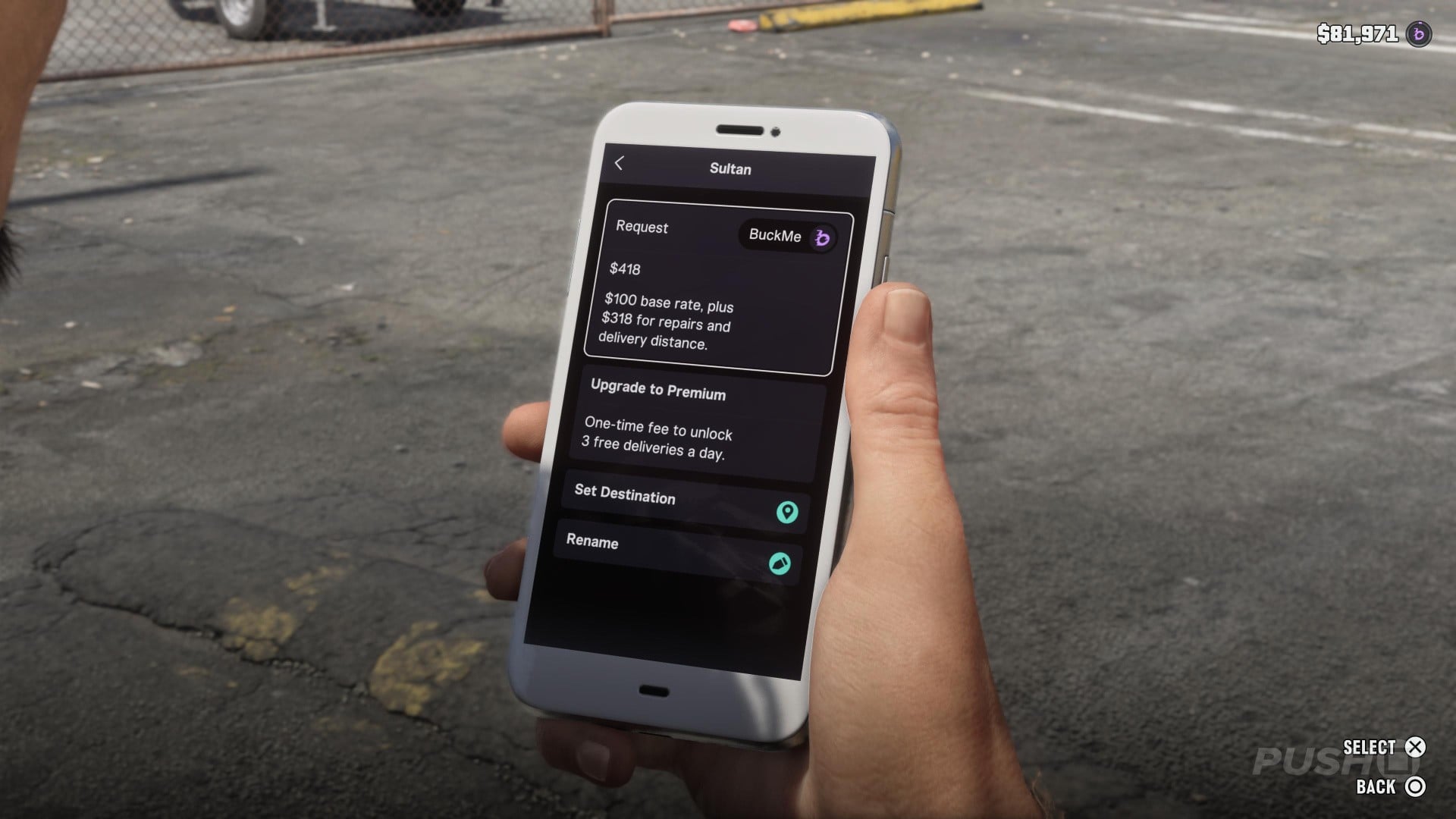
Request the registered car
Open the phone with Up, select Scooter Bros and choose the car. Review the request charge before ordering: distance and vehicle condition affect the fee. Delivery appears nearby with a minimap marker.

Check before paying
| Your question | What to inspect |
|---|---|
| Am I registering or just parking? | The named action and confirmation on the console. |
| Do I have space? | The Stored Vehicles capacity shown by the menu. |
| What am I about to spend? | The current registration or delivery quote, rather than a price copied from a screenshot. |
| Am I claiming a special-edition item? | Your entitlement and that item’s separate progression conditions. |
Use the vehicle Wiki to identify named models and edition claims. For taking weapons from police vehicles, use the separate weapon-storage guide; this page concerns keeping the car itself.
Source, controls and companion use
Push Square’s first-hand menu guide, updated 20 November and checked 24 November 2026. Screenshots show PS5 controls; the build number is unstated. SixCentral has not independently replayed the method or verified Xbox button equivalents. Read the current console prompts.
Open Guides and select this page in the free SixCentral companion app. Keep the menu pictures on your phone while checking your console. Reading needs no account; the app does not register cars, read your garage or synchronise your GTA VI inventory.
Spotted an error? Report it and bank Respect on The Come-Up if you’re right.
Related
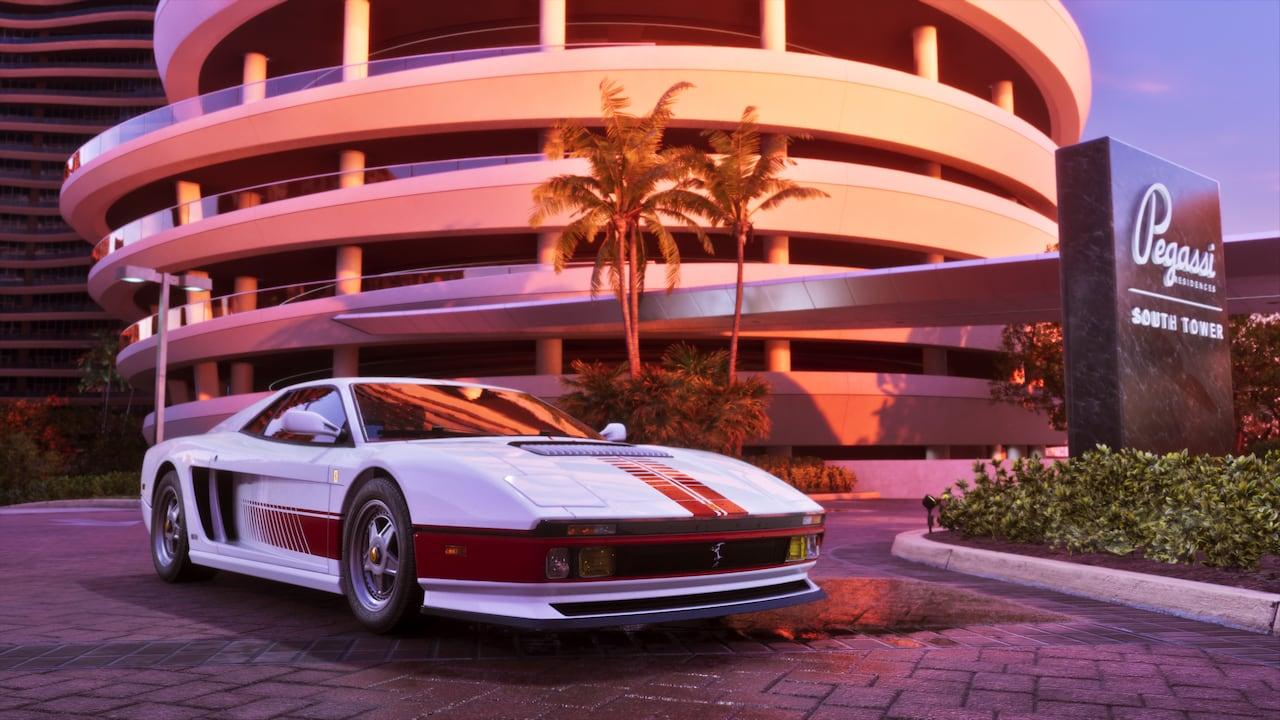
Vehicles
GTA 6 cars and vehicles: pictures, profiles and availability
Updated 24 Nov 2026
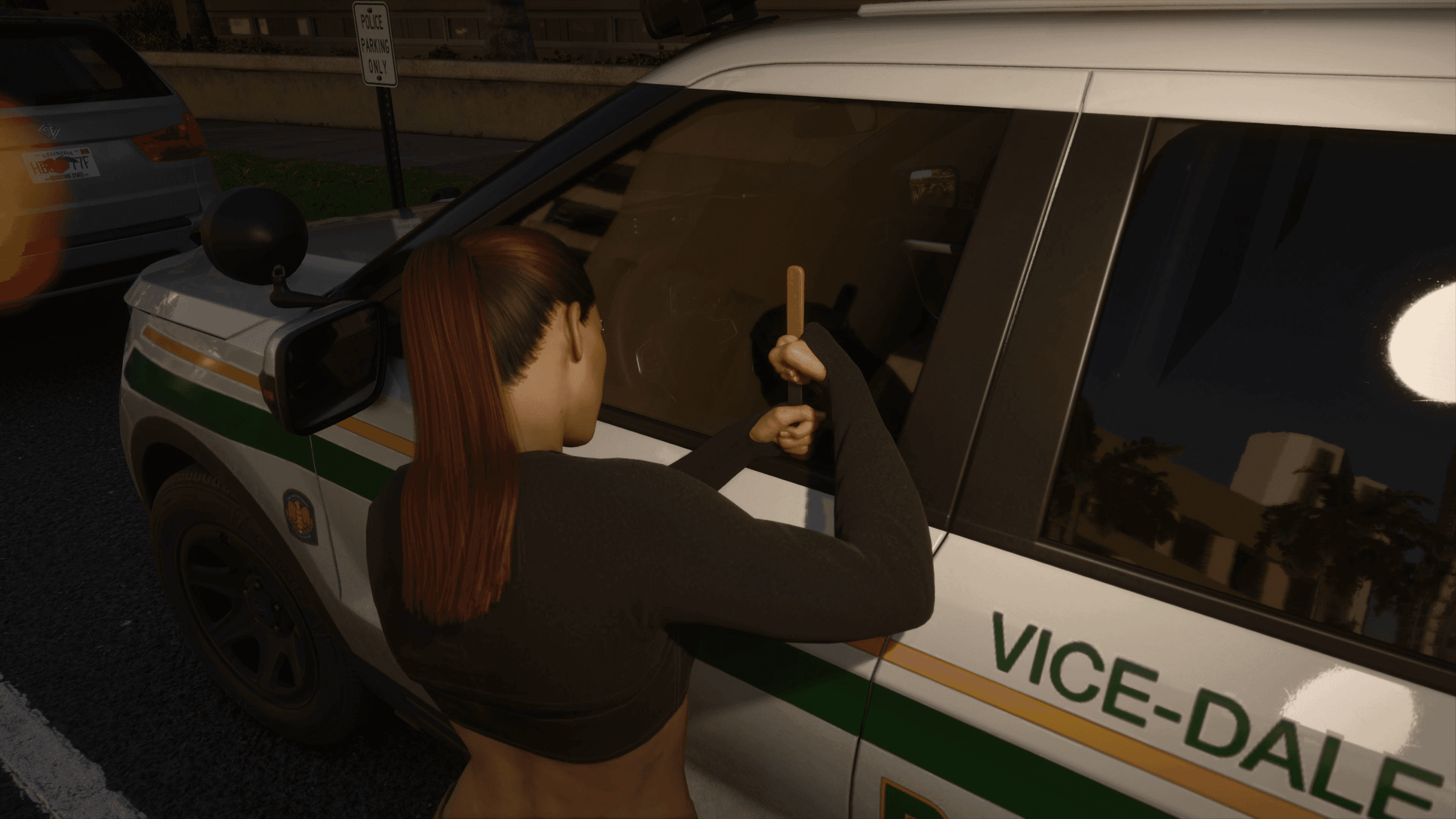
Weapons guide
GTA 6 free guns: police-car boots and weapon storage
Updated 20 Nov 2026
Vehicles guide
Vehicles in GTA Online: the complete guide and best buys
Updated 12 Sept 2026
SixCentral is an independent fan resource and is not affiliated with Rockstar Games or Take-Two Interactive. Sources and interpretation are identified in our coverage. Official game imagery is credited to its owner; SixCentral branding is original. This page may contain affiliate links.