Mission walkthrough

GTA 6 Island Dreams walkthrough: three treasure searches and the dive
GTA 6 Island Dreams walkthrough: three treasure searches and the dive gameplay screenshotImage: Rockstar Games · gameplay capture via PowerPyx; source annotations retained
On this page
Show mission walkthrough — objective and encounter spoilers

Mission spoilers: opening this walkthrough reveals its objectives and encounters. Later chapters are not discussed.

Before startingDetails
CharacterJason
RequirementHey Arnold!
StartIsland Dreams shop, Key Lento
Mission rewardGTA$400

1. Find Kenton and the dive

Meet Kenton at the shop, then follow the boat objective.
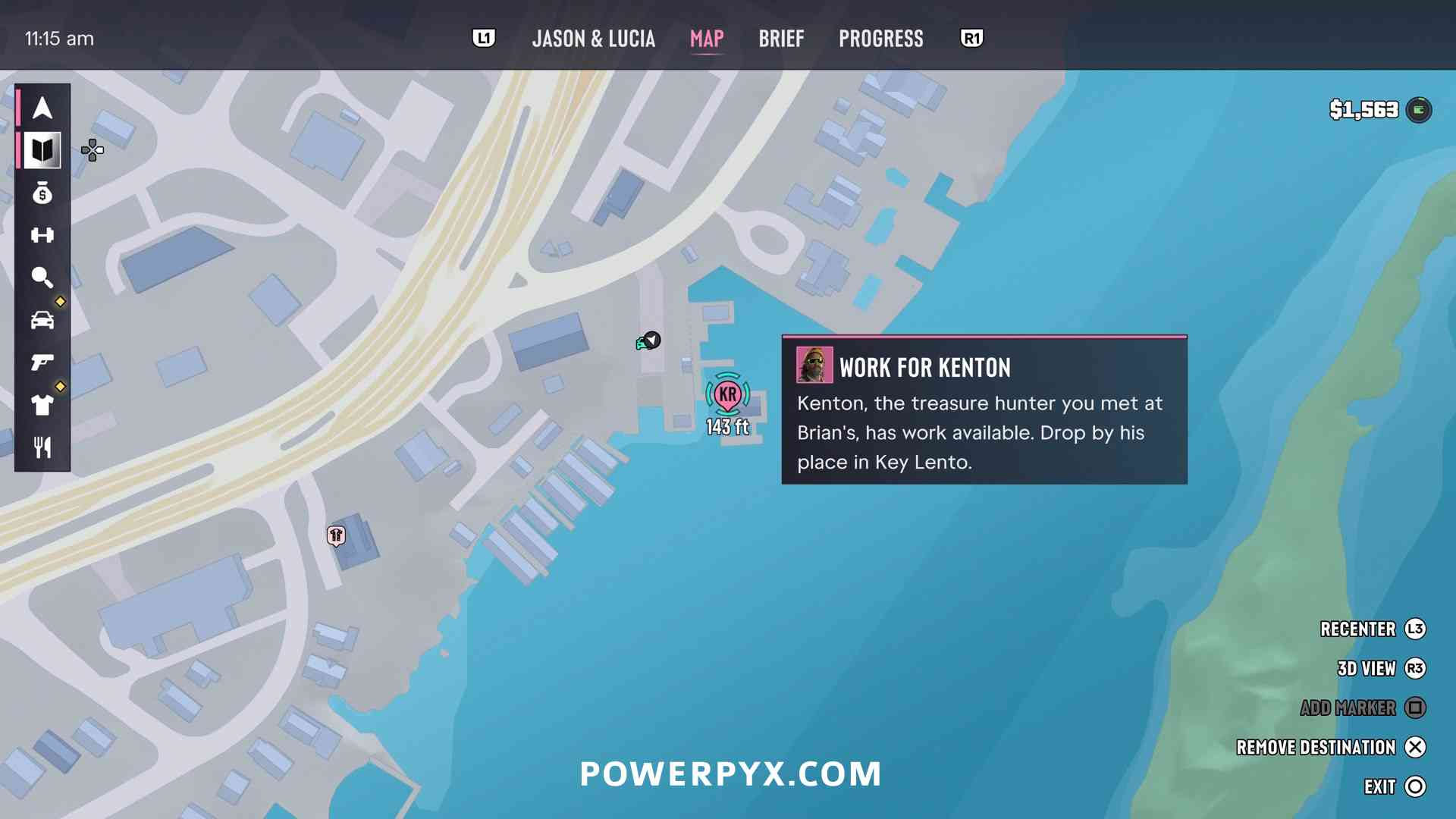
Close map showing Kenton’s Work for Kenton marker on Dolphin Drive.
Shop map. Open full screenshot.Image: Rockstar Games · gameplay capture via PowerPyx; source annotations retained
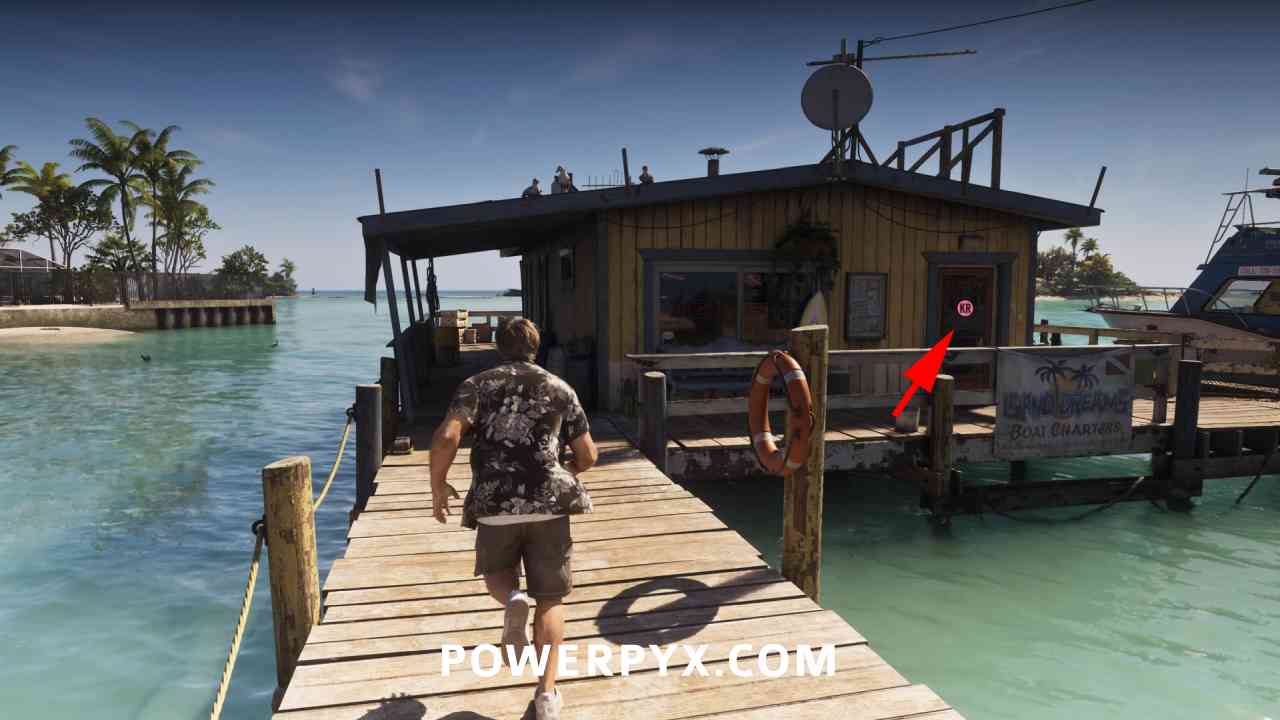
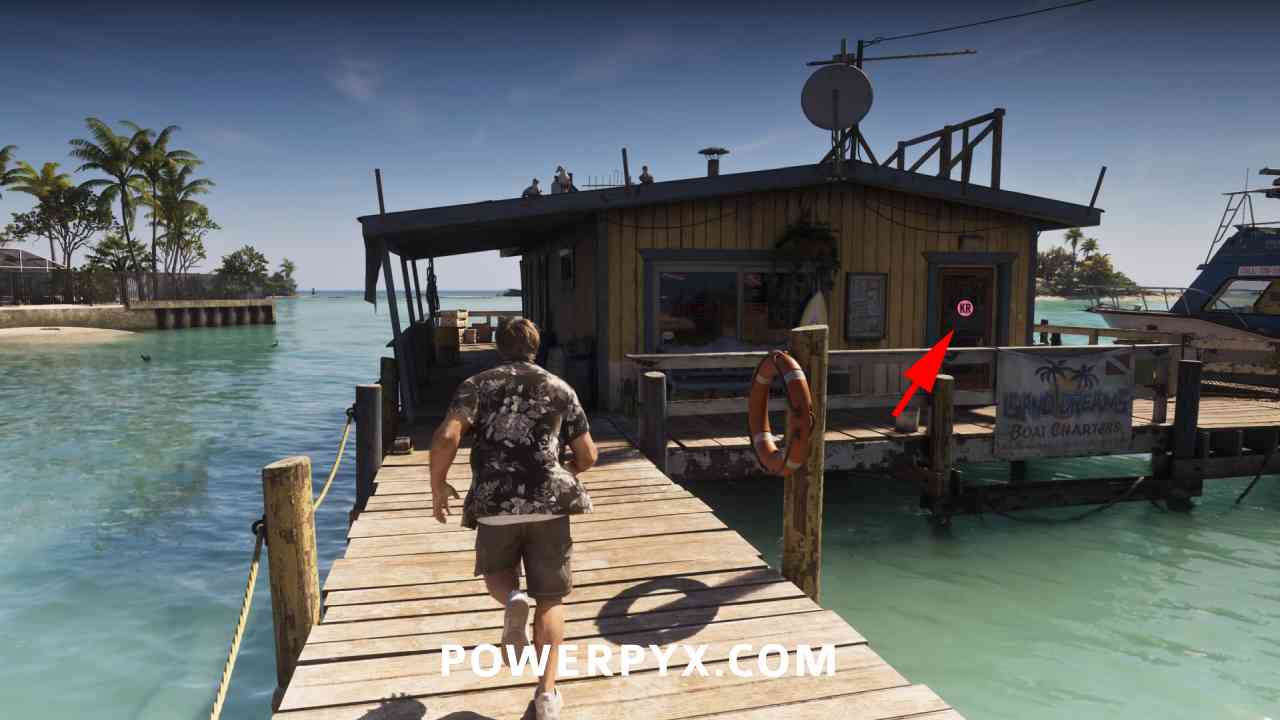
The Island Dreams shop entrance, marked by the source’s arrow.
Speak to Kenton here. Open full screenshot.Image: Rockstar Games · gameplay capture via PowerPyx; source annotations retained
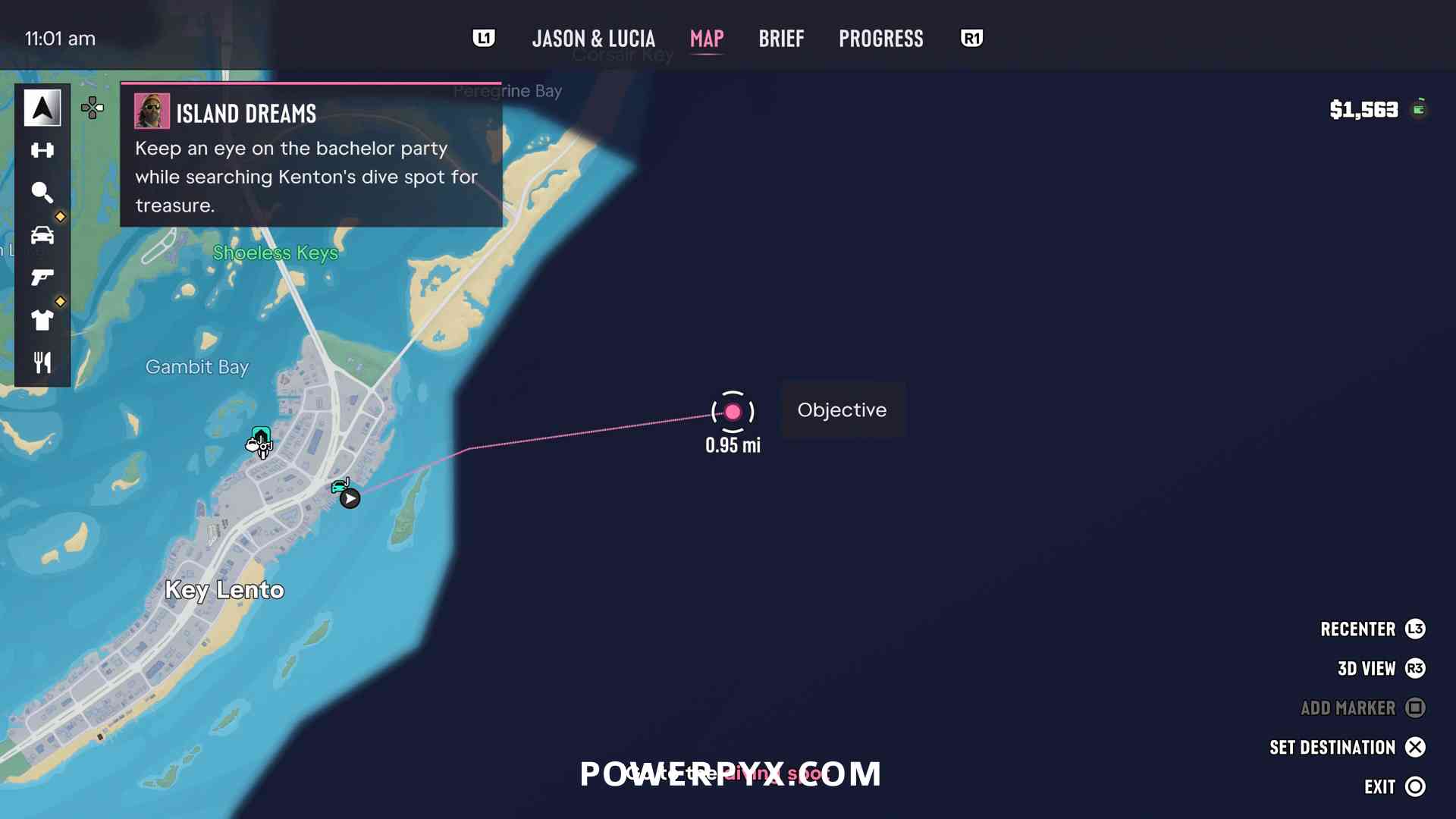
Map showing the Island Dreams boat destination off Key Lento.
Sail to the objective. Open full screenshot.Image: Rockstar Games · gameplay capture via PowerPyx; source annotations retained

2. Equip scuba and the detector

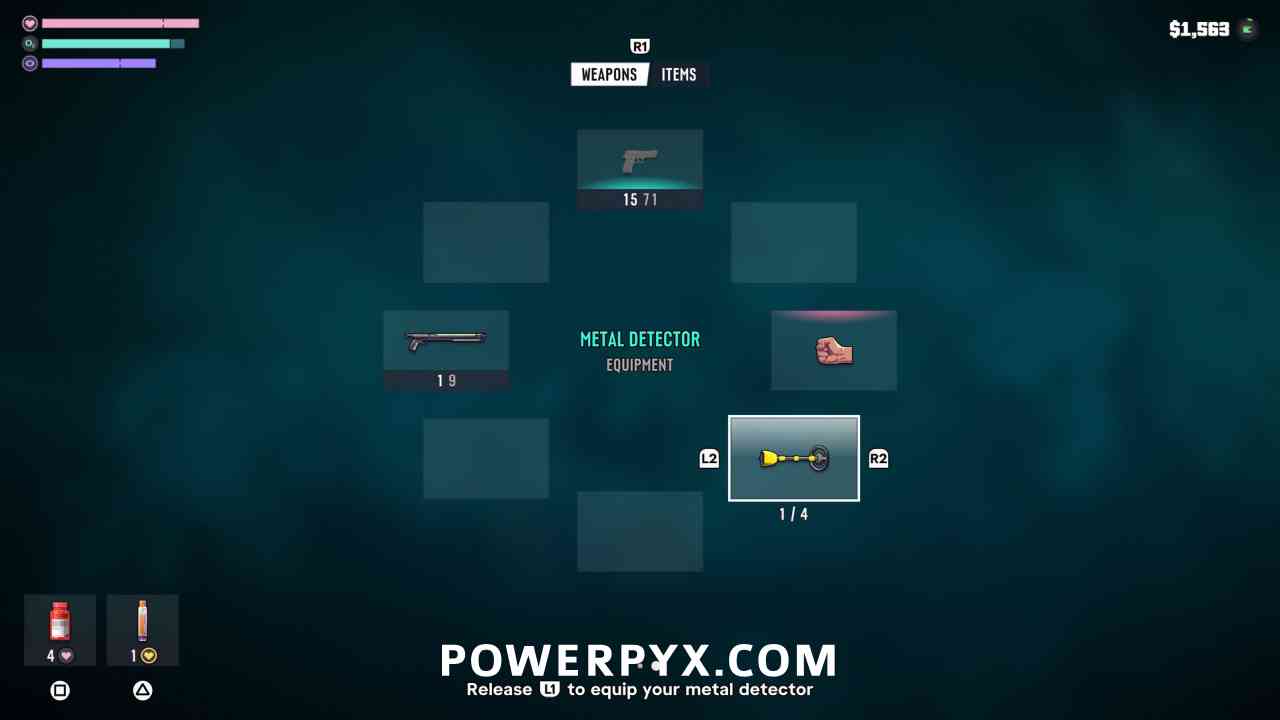
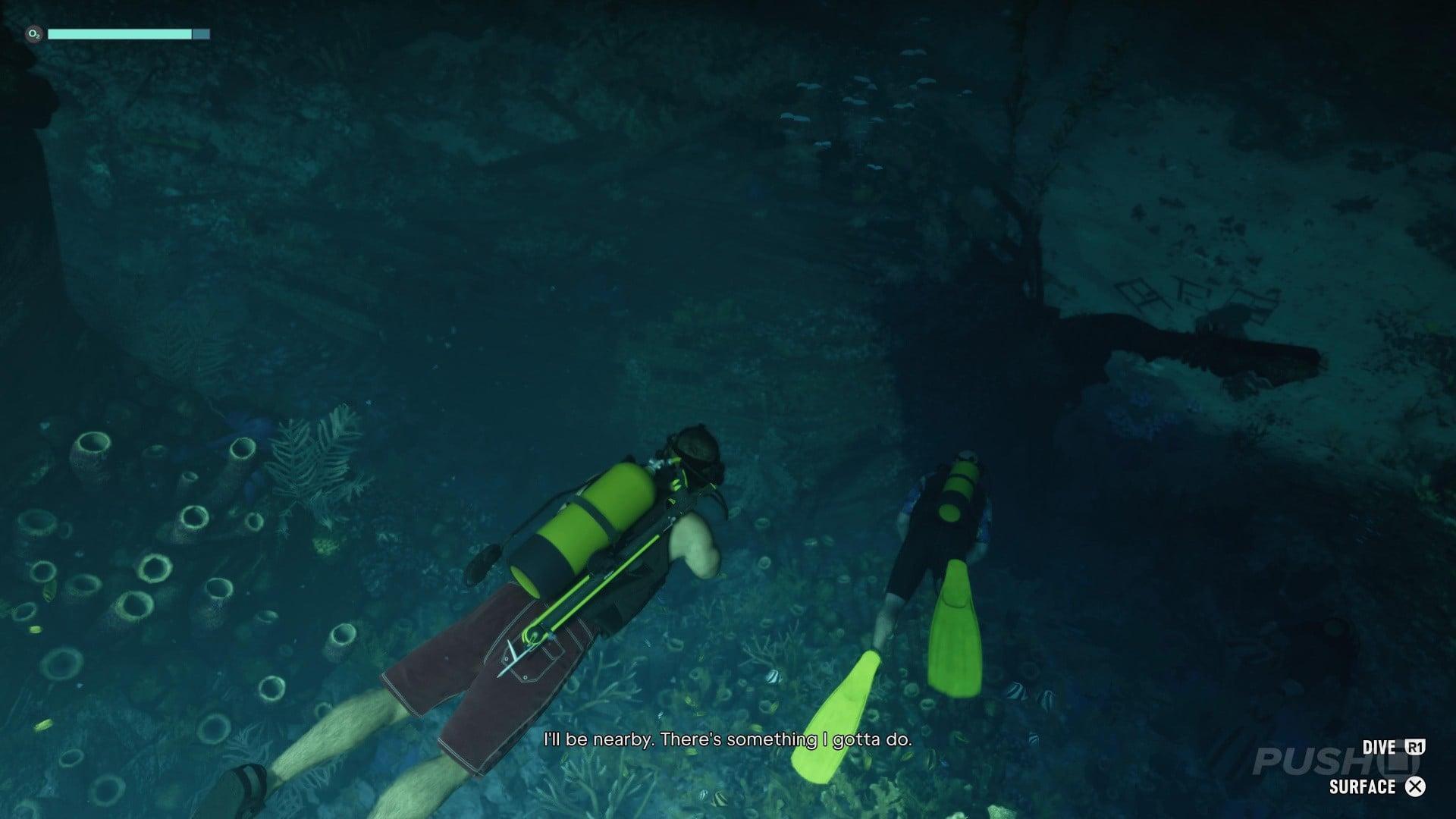
Use the yellow gear at the boat’s stern before diving through the trench. Select the detector and aim with L2 in the PlayStation capture; follow the red-to-green signal.
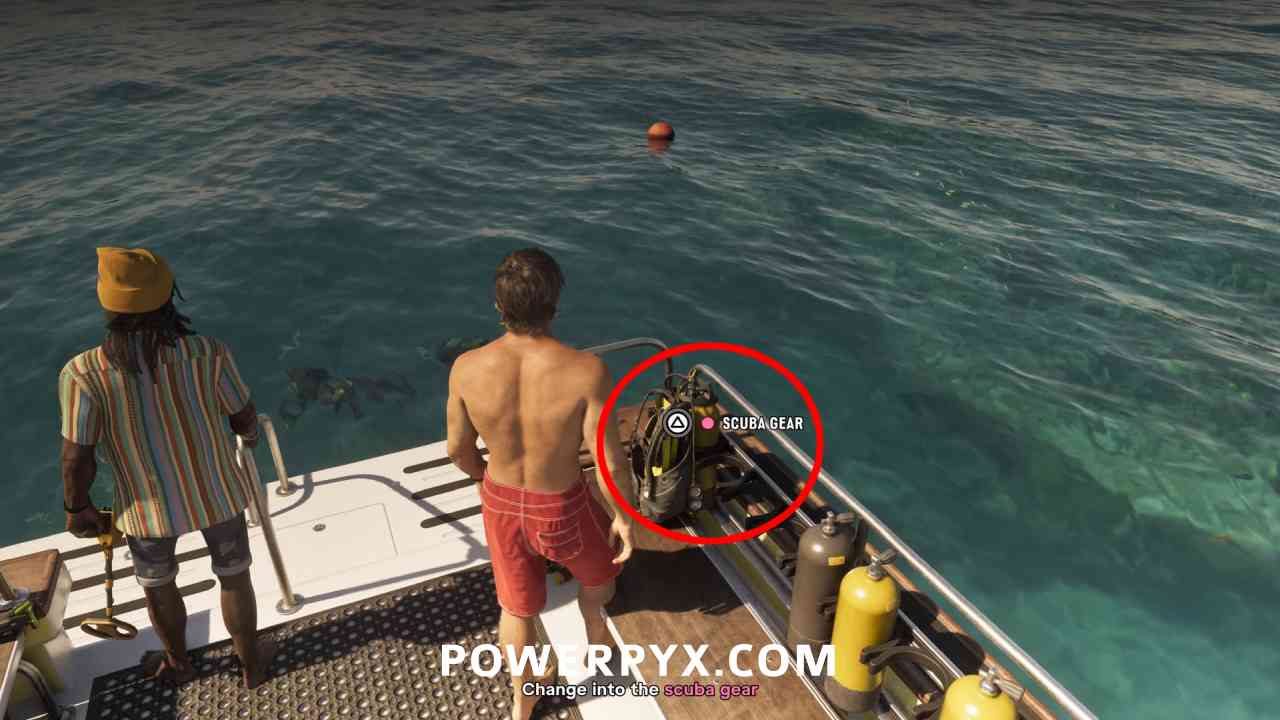

Yellow scuba gear on the boat’s stern, circled by the source.
Scuba equipment. Open full screenshot.Image: Rockstar Games · gameplay capture via PowerPyx; source annotations retained
The yellow-and-black metal detector selected in the weapon wheel.
Detector selection. Open full screenshot.Image: Rockstar Games · gameplay capture via PowerPyx; source annotations retained

3. Complete three searches

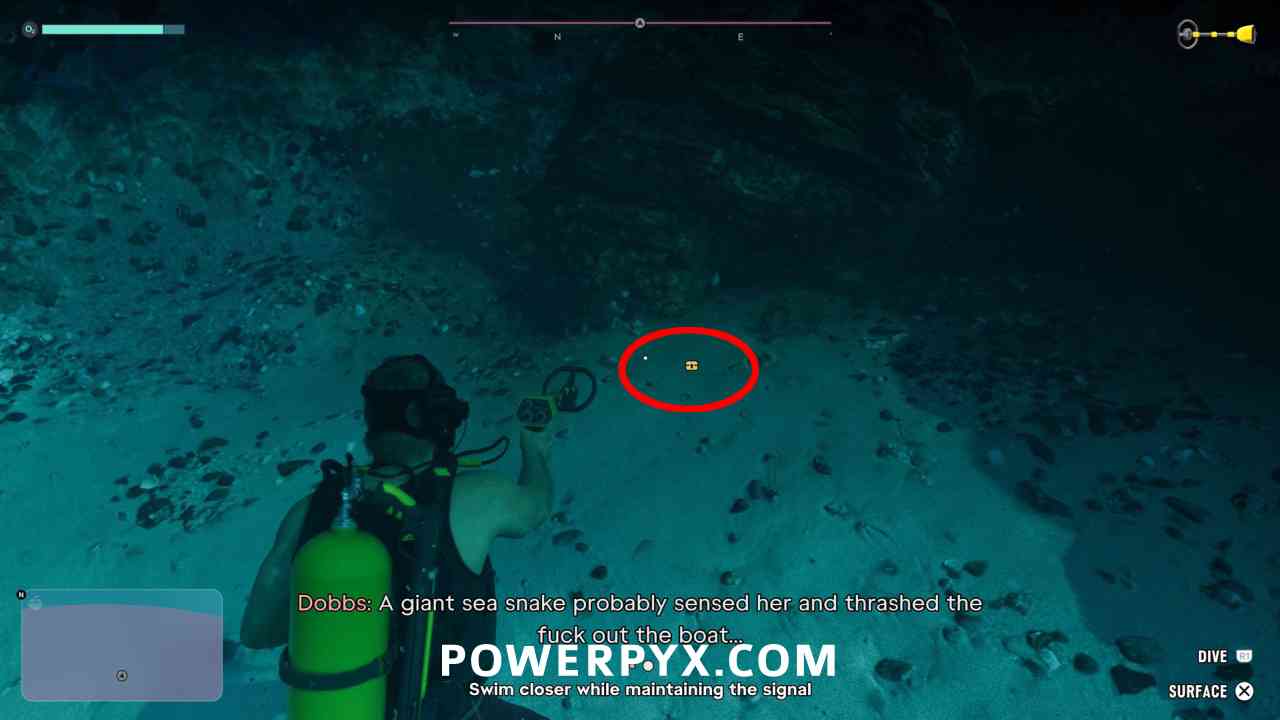
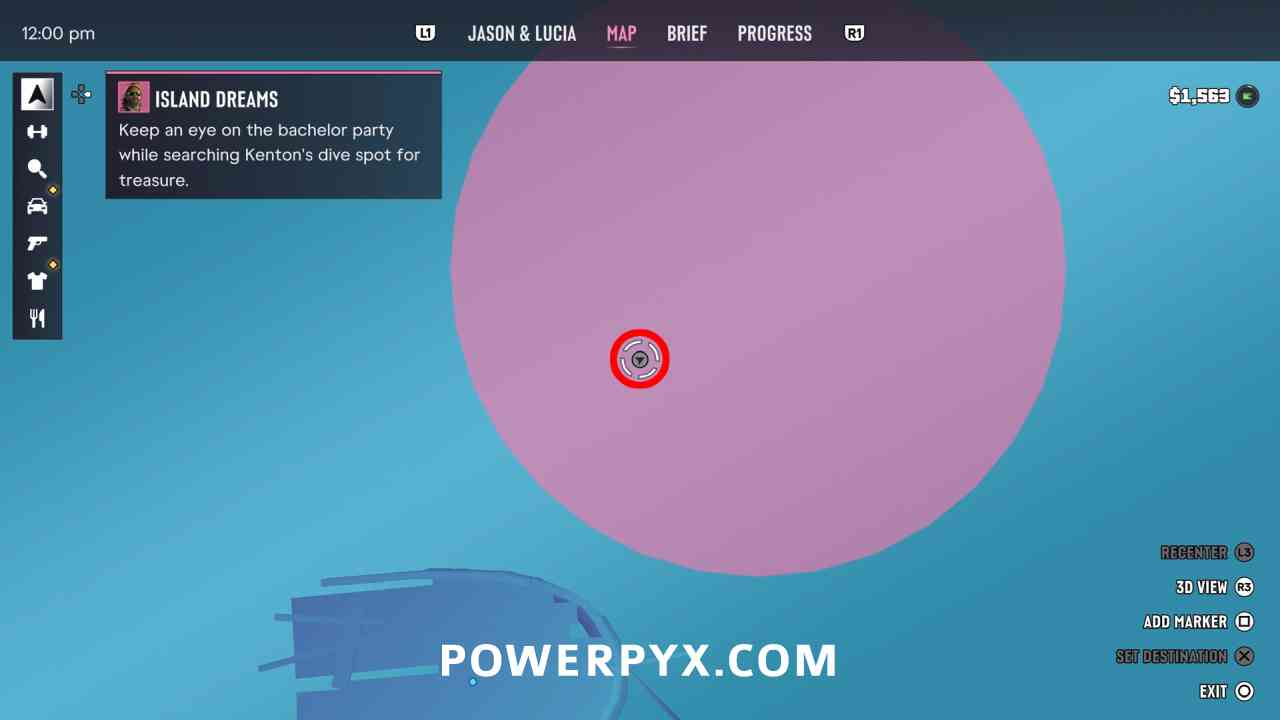
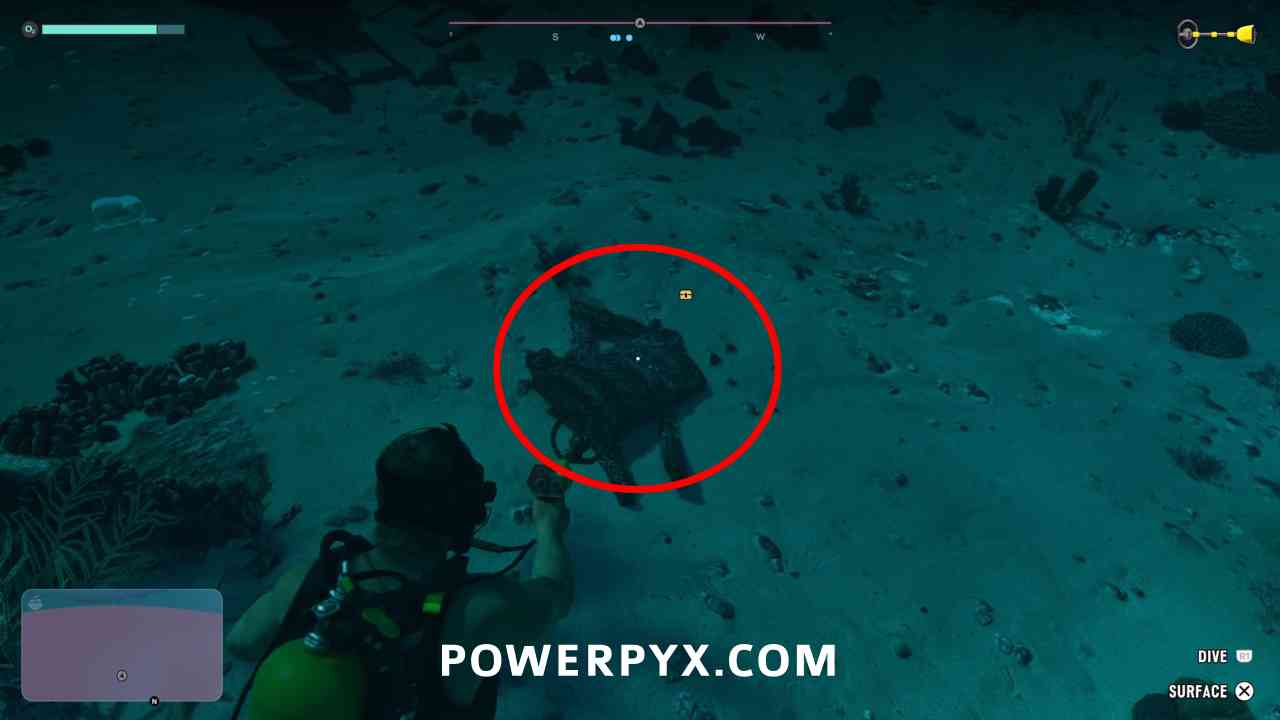
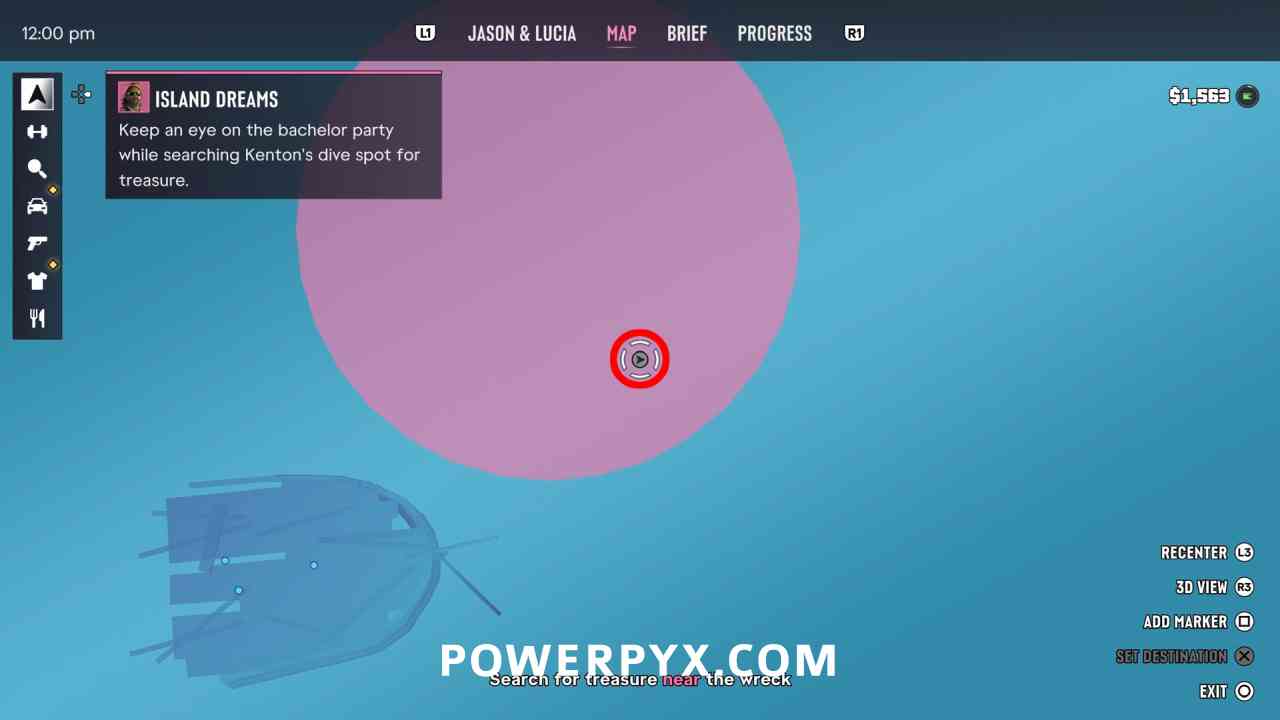
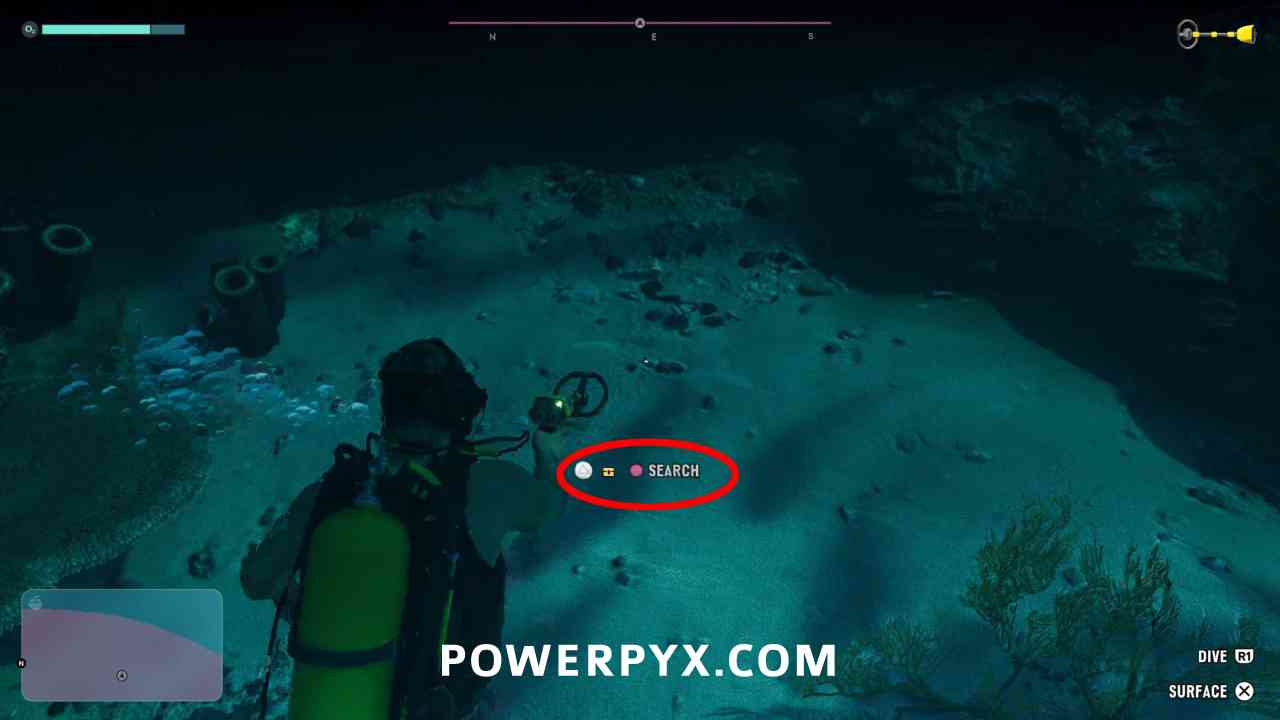
The paired images show each tutorial search point and its seabed landmark. These are three objectives, not the full wreck’s ten-doubloon clearance.
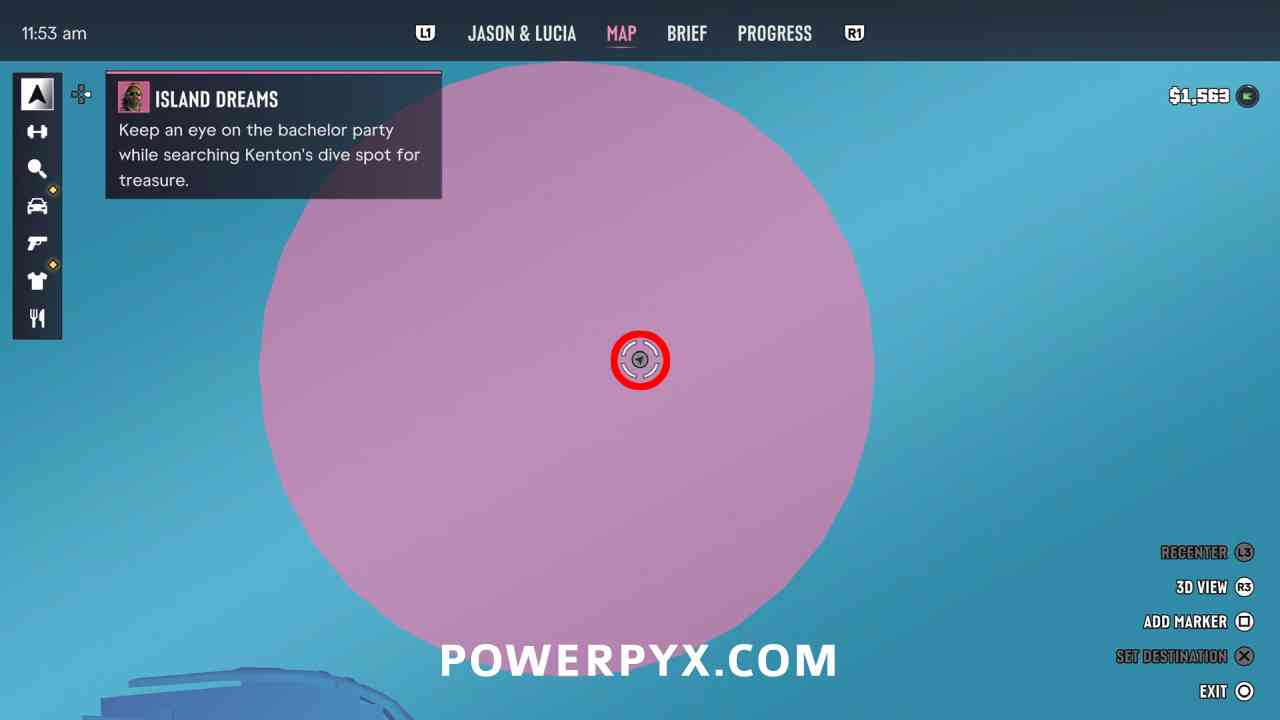

Map marking the first tutorial treasure near the wreck’s search area.
Search 1: map. Open full screenshot.Image: Rockstar Games · gameplay capture via PowerPyx; source annotations retained
First tutorial treasure interaction on the seabed, circled by the source.
Search 1: seabed. Open full screenshot.Image: Rockstar Games · gameplay capture via PowerPyx; source annotations retained
Map marking the second tutorial treasure in the pink search area.
Search 2: map. Open full screenshot.Image: Rockstar Games · gameplay capture via PowerPyx; source annotations retained
The second tutorial treasure beside the seabed rocks.
Search 2: seabed. Open full screenshot.Image: Rockstar Games · gameplay capture via PowerPyx; source annotations retained
Map marking the third tutorial treasure beside the wreck.
Search 3: map. Open full screenshot.Image: Rockstar Games · gameplay capture via PowerPyx; source annotations retained
Third tutorial treasure icon on the sand by the wreck.
Search 3: seabed. Open full screenshot.Image: Rockstar Games · gameplay capture via PowerPyx; source annotations retained

4. Return with the party

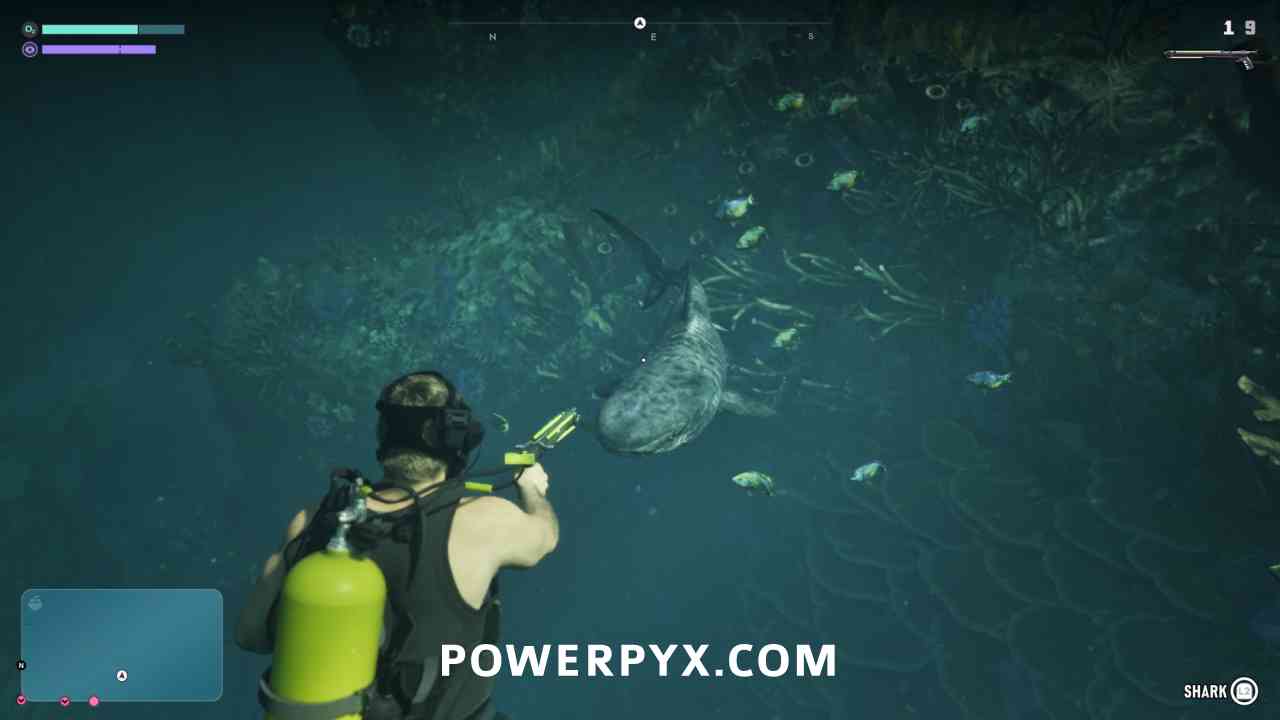
After the searches, lift the grate trapping Dobbs. Equip the Arras Bullhead harpoon for the shark encounter, then return to the boat with the party.
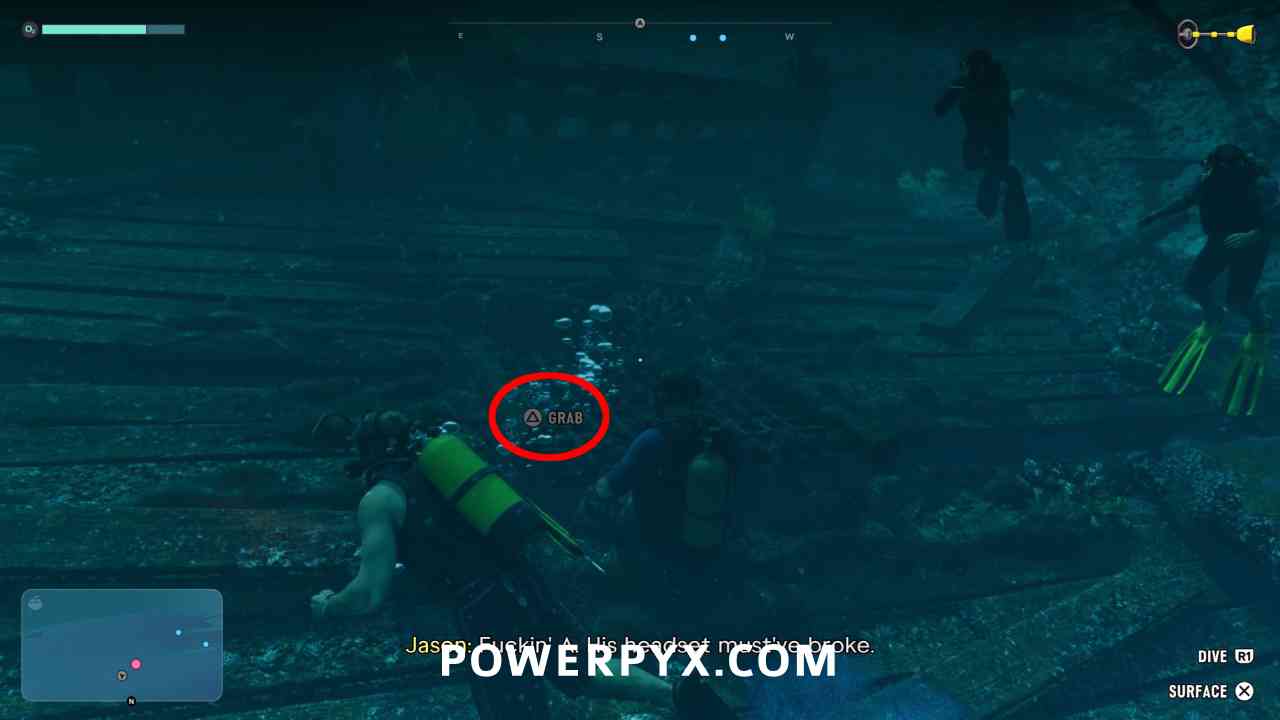

The grate interaction used to free Dobbs.
Rescue interaction. Open full screenshot.Image: Rockstar Games · gameplay capture via PowerPyx; source annotations retained
Jason facing the shark during the return swim.
Harpoon encounter. Open full screenshot.Image: Rockstar Games · gameplay capture via PowerPyx; source annotations retained

After the mission

Use the Ocio wreck reference for the four dig-spot clearance route. This page covers the story mission.

Source and next step

PowerPyx’s illustrated gameplay reference, checked 23 November 2026. The pictured controls are PlayStation; source build number unstated. SixCentral has not independently replayed this mission. Red arrows and circles belong to the source.

Mission walkthrough hub · Practical guides · Wiki profiles

Spotted an error? Report it and bank Respect on The Come-Up if you’re right.

Related

SixCentral is an independent fan resource and is not affiliated with Rockstar Games or Take-Two Interactive. Sources and interpretation are identified in our coverage. Official game imagery is credited to its owner; SixCentral branding is original. This page may contain affiliate links.